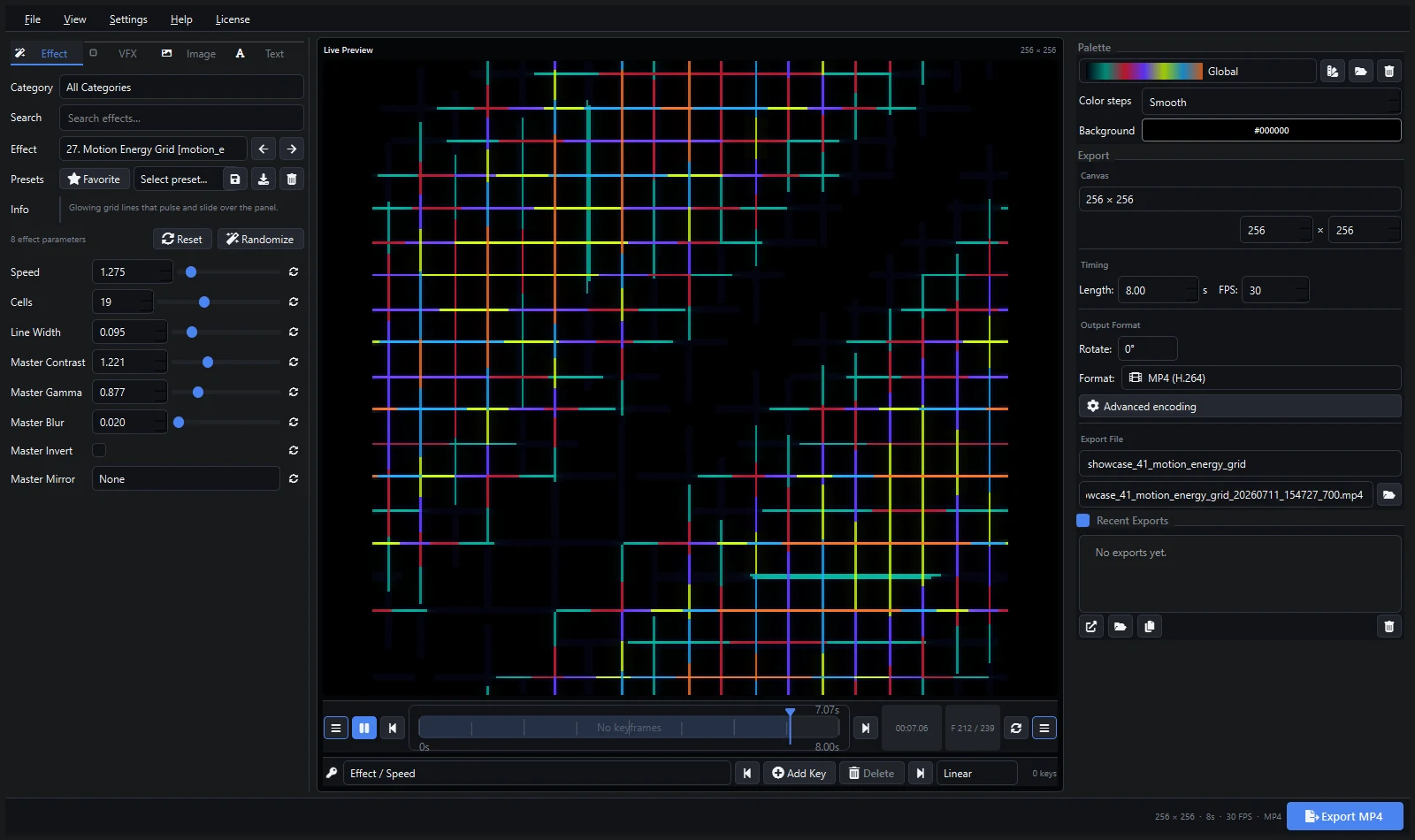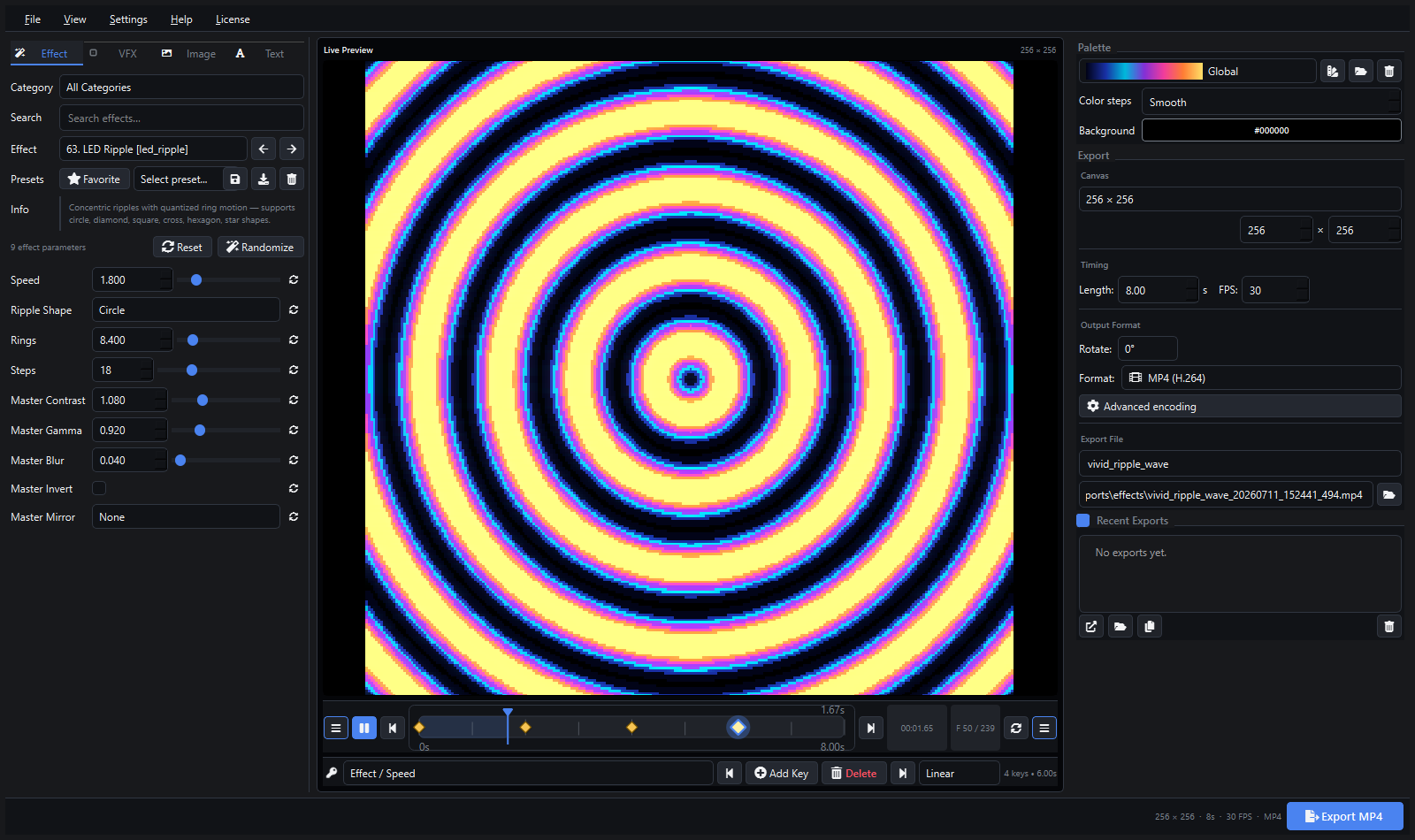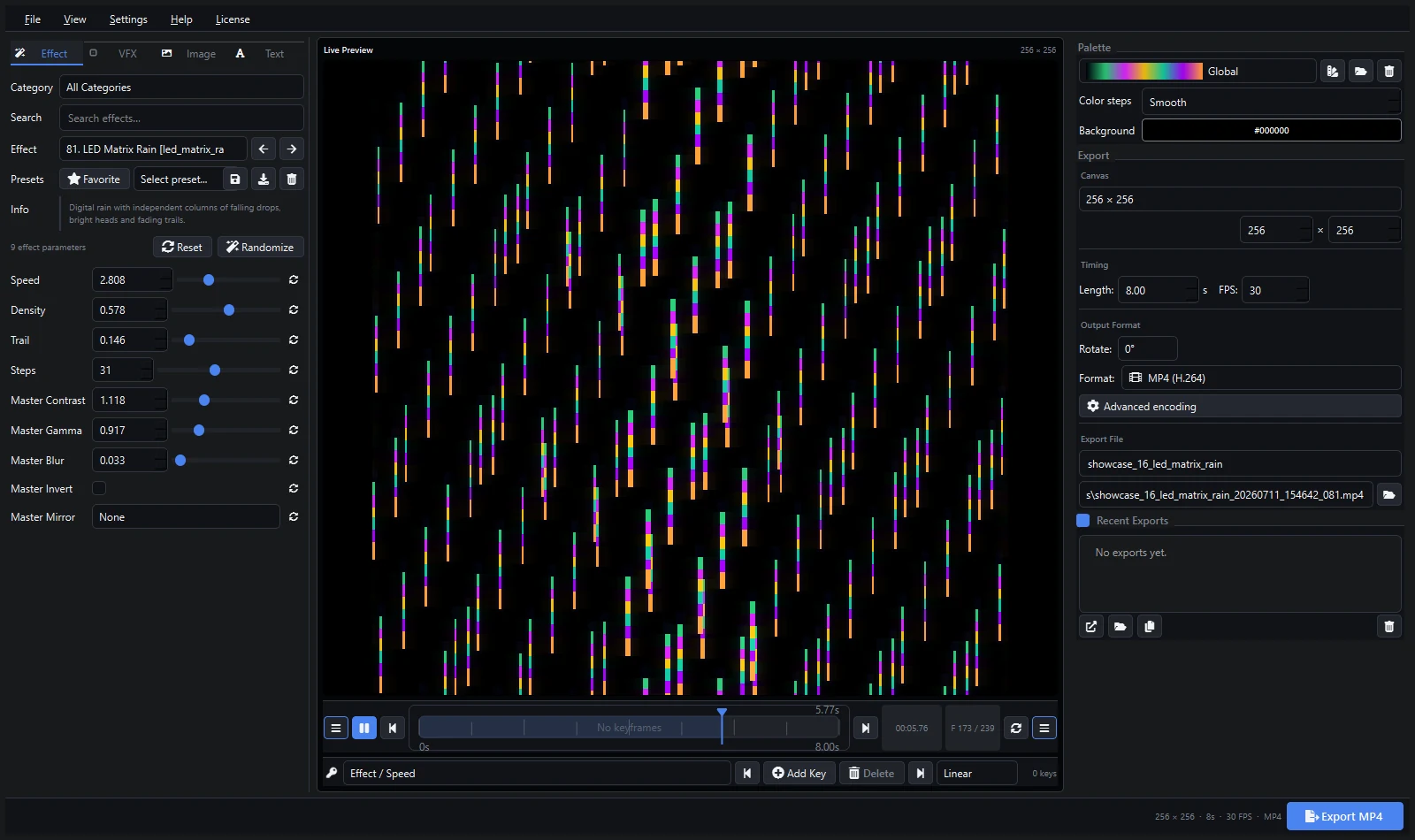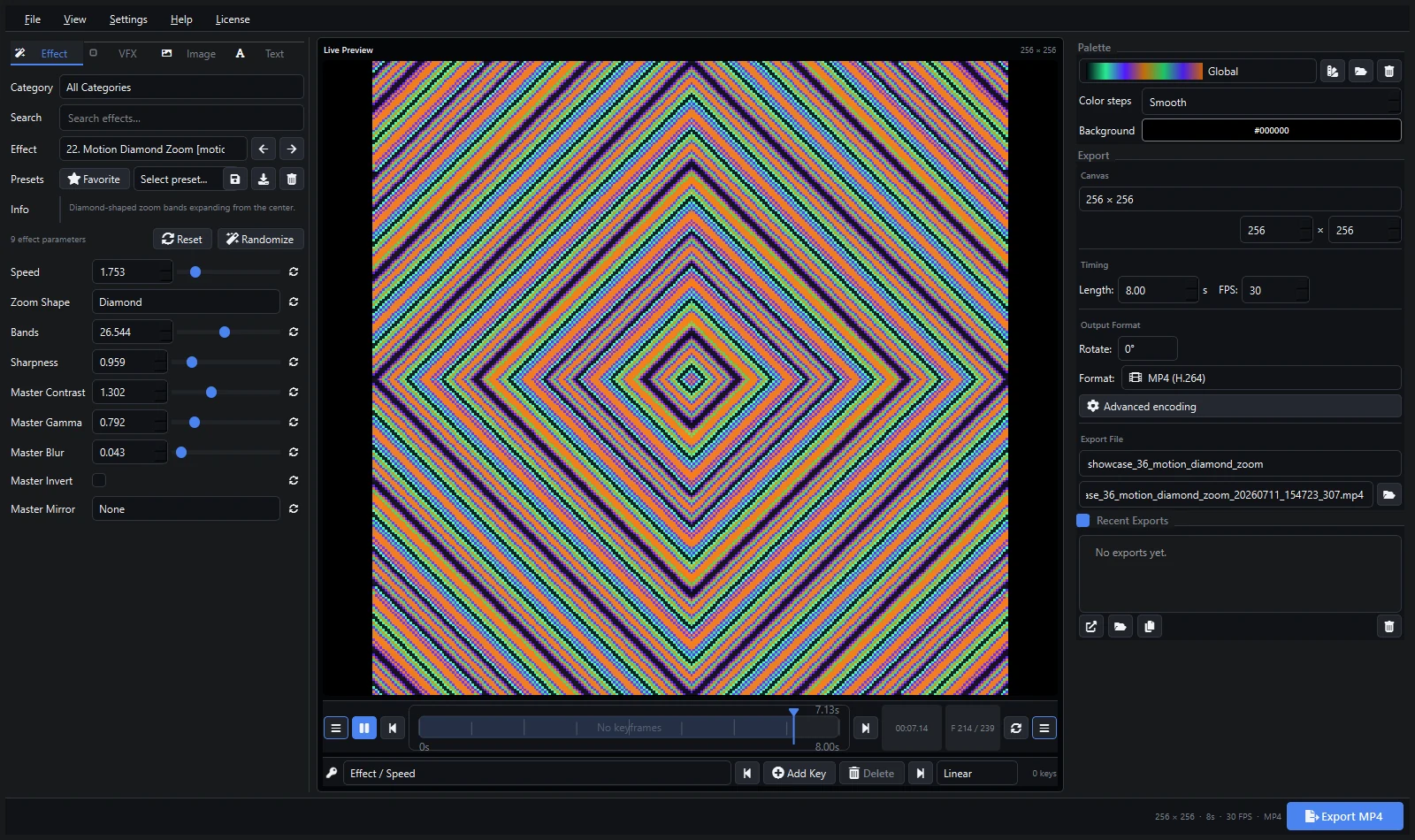
xLights is the free, open-source standard for sequencing pixel lights — Christmas displays, house outlines, matrices timed to music. Pixel LED Animator is a paid editor for generating the visual content itself. In practice they complement each other: generate in Pixel LED Animator, sequence in xLights.
Short Answer
- Choose xLights (free) if you sequence lights to music, run Falcon controllers, and build shows timeline-first.
- Choose Pixel LED Animator 3 (€79 + VAT) if you want ready-made animated effects — 145 generators, keyframes, palettes — without drawing every frame by hand.
- Use both: export FSEQ or video from Pixel LED Animator and drop it into xLights. The xLights video effects guide shows how.
Comparison
| Pixel LED Animator 3 | xLights | |
|---|---|---|
| Price | €79 + VAT, one-time | Free, open-source |
| Core job | Generate animated effects | Sequence lights to music/time |
| Effect library | 145 GPU-accelerated generators | Community sequences + built-in effects |
| Keyframes | Visual keyframe editor with easing | Timeline sequencing, layers |
| FSEQ export | Yes, for Falcon Player/xLights | Native format |
| Video export | MP4, MOV, GIF, image sequences | Video import supported |
| Learning curve | Hours | Days (deep software) |
| Best for | Content creation | Show sequencing |
Where xLights Wins
Nothing beats xLights for what it was built for: sequencing thousands of channels to music, running Falcon Player shows, and sharing community sequences. It is free and has a huge community. If your display is a Christmas show timed to songs, start with xLights.
Where Pixel LED Animator Wins
Speed of content creation. Drawing a matrix rain, plasma field, or kaleidoscope by hand in a sequencer takes time. A generator produces it in seconds with adjustable parameters, then you keyframe its evolution and export. For LEDEdit, Resolume, MADRIX, and Jinx! users who never touch xLights, it is a standalone content studio.
Using Them Together
- Design the effect in Pixel LED Animator 3.
- Export FSEQ for Falcon Player/xLights, or video if you prefer.
- Import into xLights and place it on your matrix or prop layer.
- Sequence the rest of the show around it.
FAQ
Is xLights better because it is free? For sequencing, yes — it is the standard and costs nothing. For generating original animated content quickly, a dedicated generator saves hours per effect.
Do I need both? Only if you sequence shows in xLights and want custom content. Many LEDEdit and Resolume users never need xLights at all.
Can xLights open Pixel LED Animator files? xLights opens the exported FSEQ and video files, not the editor project. Always export before importing.
Explore Pixel LED Animator 3 · Read the xLights video effects guide · Buy Pixel LED Animator 3