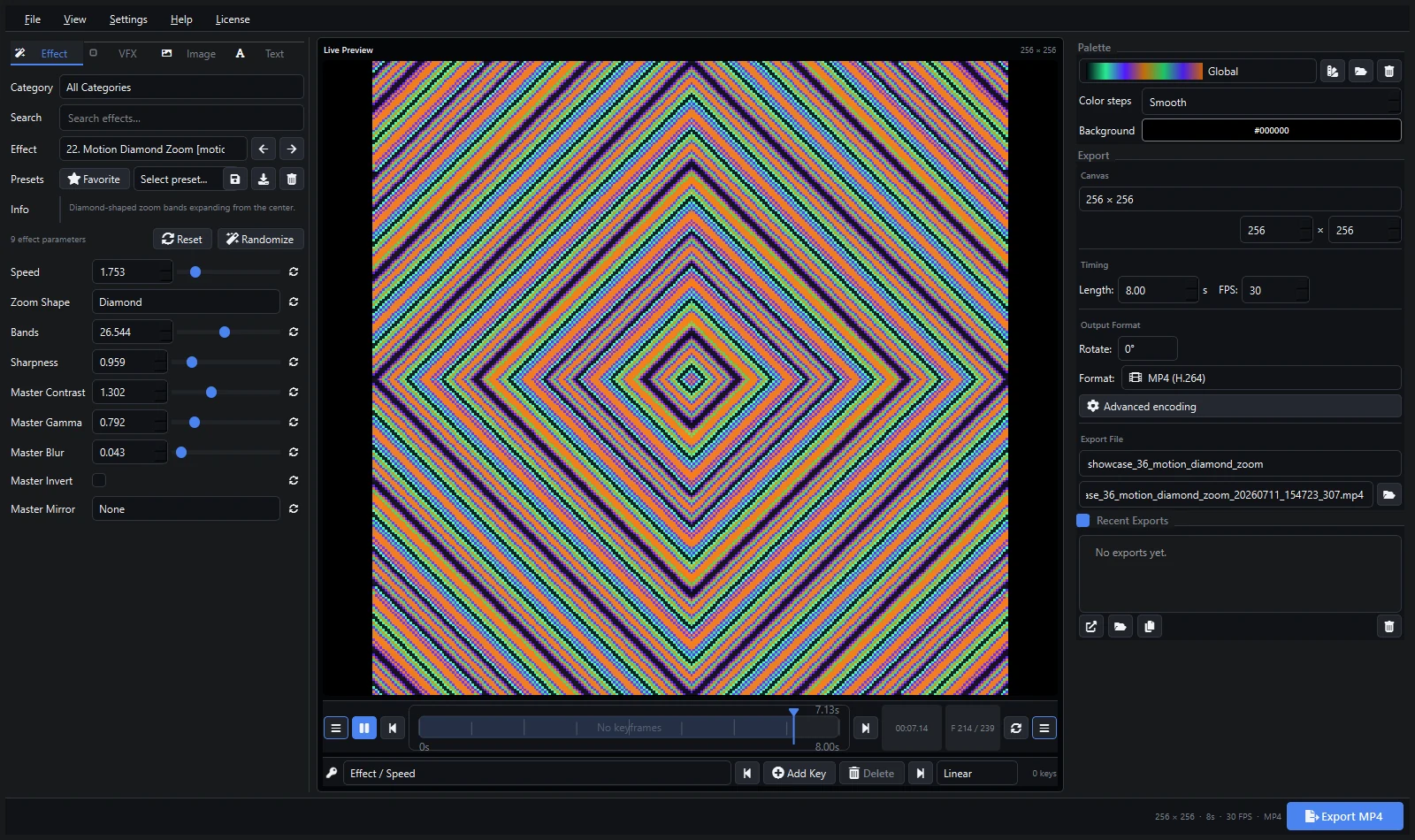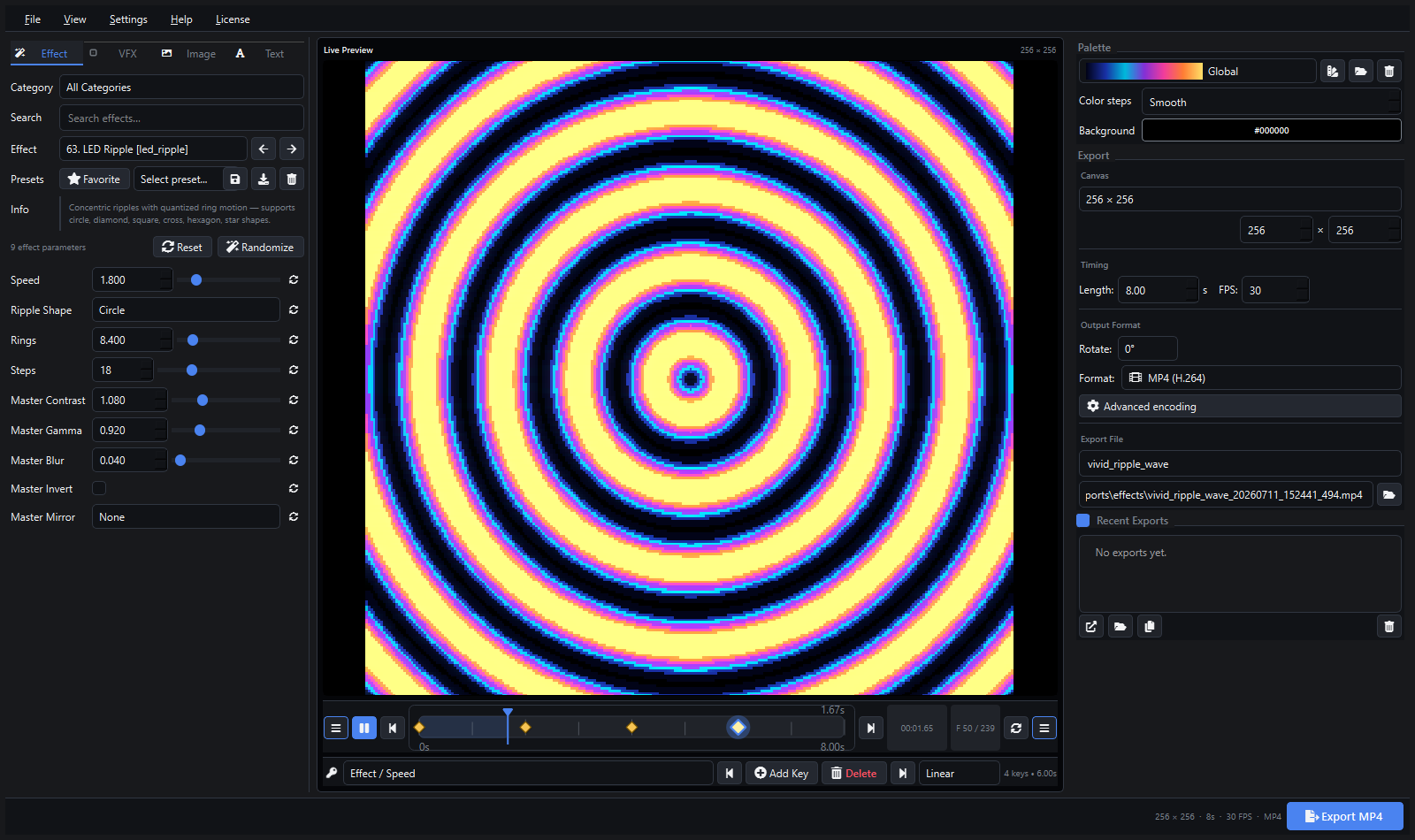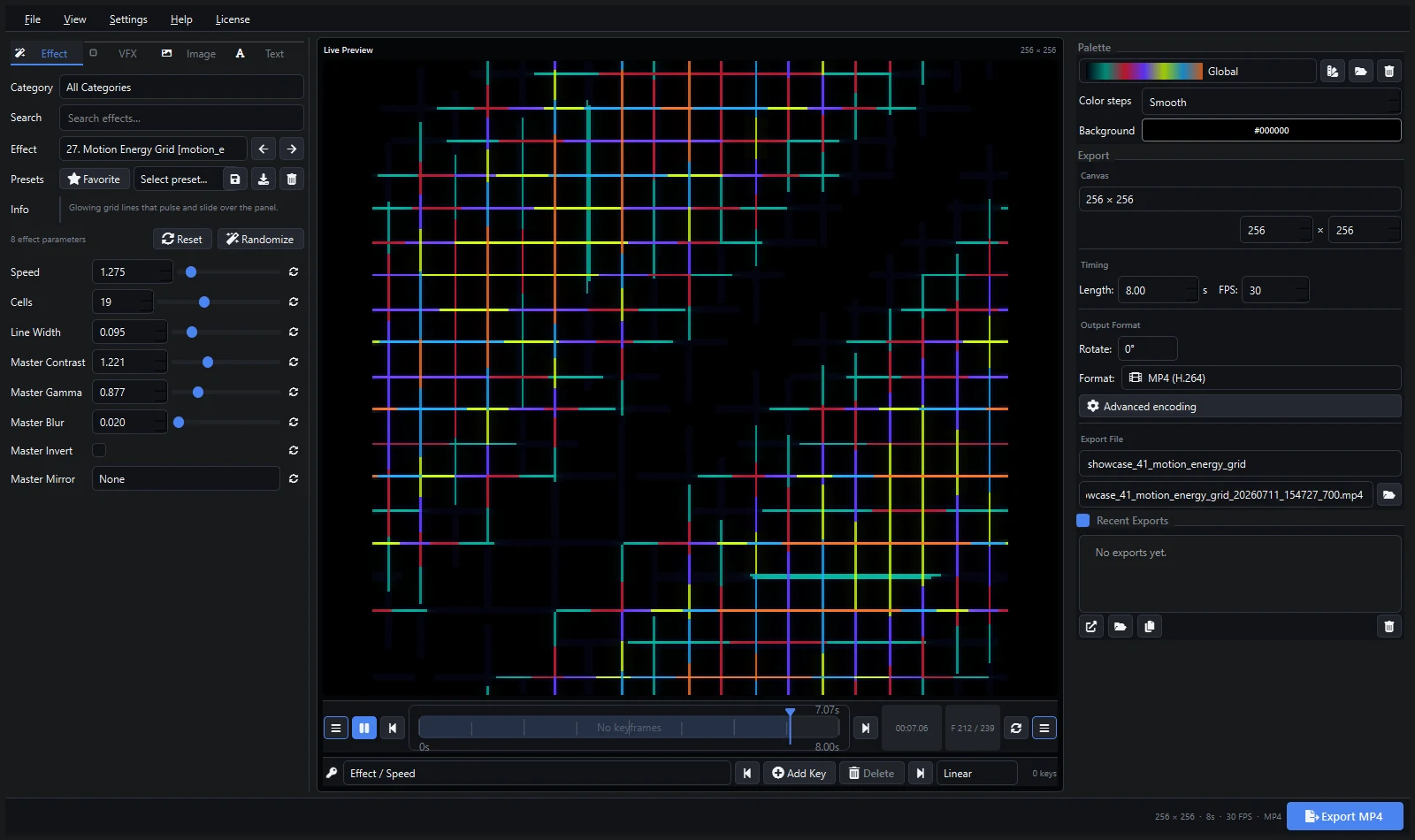
People compare Pixel LED Animator and MADRIX because both work with pixel LEDs. But they solve different problems. One creates animations. The other controls lights live. Many studios use both: Pixel LED Animator to design the content, MADRIX to play it on stage.
Short Answer
- Choose Pixel LED Animator 3 if you need to create LED animations: effects, keyframes, palettes, and video/XDAT export for LEDEdit, xLights, Resolume, Jinx!, or MADRIX itself.
- Choose MADRIX 5 if you need live DMX/ArtNet control of a professional installation: patching hundreds of universes, live mixing, MIDI/DMX input, and show control.
- Use both if you run shows: design clips in Pixel LED Animator, play them through MADRIX SCE Video. The MADRIX video workflow guide shows exactly how.
Price Comparison
| Pixel LED Animator 3 | MADRIX 5 | |
|---|---|---|
| Price | €79 + VAT, one-time | Professional licensing (several hundred euros depending on edition — check current MADRIX pricing) |
| License | Lifetime, all 3.x updates | Version-based, edition tiers |
| Trial | Videos and free effects to preview | MADRIX offers its own trial terms |
Pixel LED Animator costs less than a single hour of a lighting designer’s time. MADRIX is priced as professional show-control software. Neither price is “better” — they buy different things.
Feature Comparison
| Pixel LED Animator 3 | MADRIX 5 | |
|---|---|---|
| Effect generators | 145 built-in, GPU-accelerated | Large real-time effect library (SCE effects) |
| Keyframe animation | Yes, with easing | Timeline and cue-based control |
| Video export | MP4, ProRes, DXV, HAP, GIF, image sequences | Recording and media playback |
| LEDEdit / XDAT export | Yes | No (DMX-first workflow) |
| Live DMX output | ArtNet/sACN streaming | Full DMX universe management |
| Fixture patching | No | Yes — the core of MADRIX |
| Learning curve | Hours | Days to weeks |
| Best for | Content creation | Live show control |
When Pixel LED Animator Wins
You need finished animations: a club wall that loops all night, a shop sign, a stage backdrop, content for LEDEdit controllers. You design once, export, and the file plays anywhere. No DMX knowledge required.
When MADRIX Wins
You run a live venue or installation: dozens of universes, live operator, DMX input from a lighting desk, timecode shows, redundant playback. MADRIX is built for that control room.
Using Them Together
This is the most common professional setup:
- Create the animation in Pixel LED Animator 3.
- Export MP4 or MOV at the matrix aspect ratio.
- Load it in MADRIX 5 with the SCE Video effect.
- Mix, map, and control it live with everything else in the rig.
Read the MADRIX video workflow guide for export settings that loop cleanly.
FAQ
Can Pixel LED Animator replace MADRIX? No. It creates content; it does not patch fixtures or manage DMX universes. For live ArtNet/sACN streaming to controllers it works well, but it is not show-control software.
Can MADRIX replace Pixel LED Animator? For live generative looks, often yes. For designed, repeatable, branded animations with typography and precise keyframes, a dedicated editor is faster.
Which should a beginner buy first? If your controller is LEDEdit, a T-1000S, or similar: Pixel LED Animator. If you run a DMX venue with an operator: MADRIX.
Explore Pixel LED Animator 3 · Read the version 3 tutorial · Buy Pixel LED Animator 3