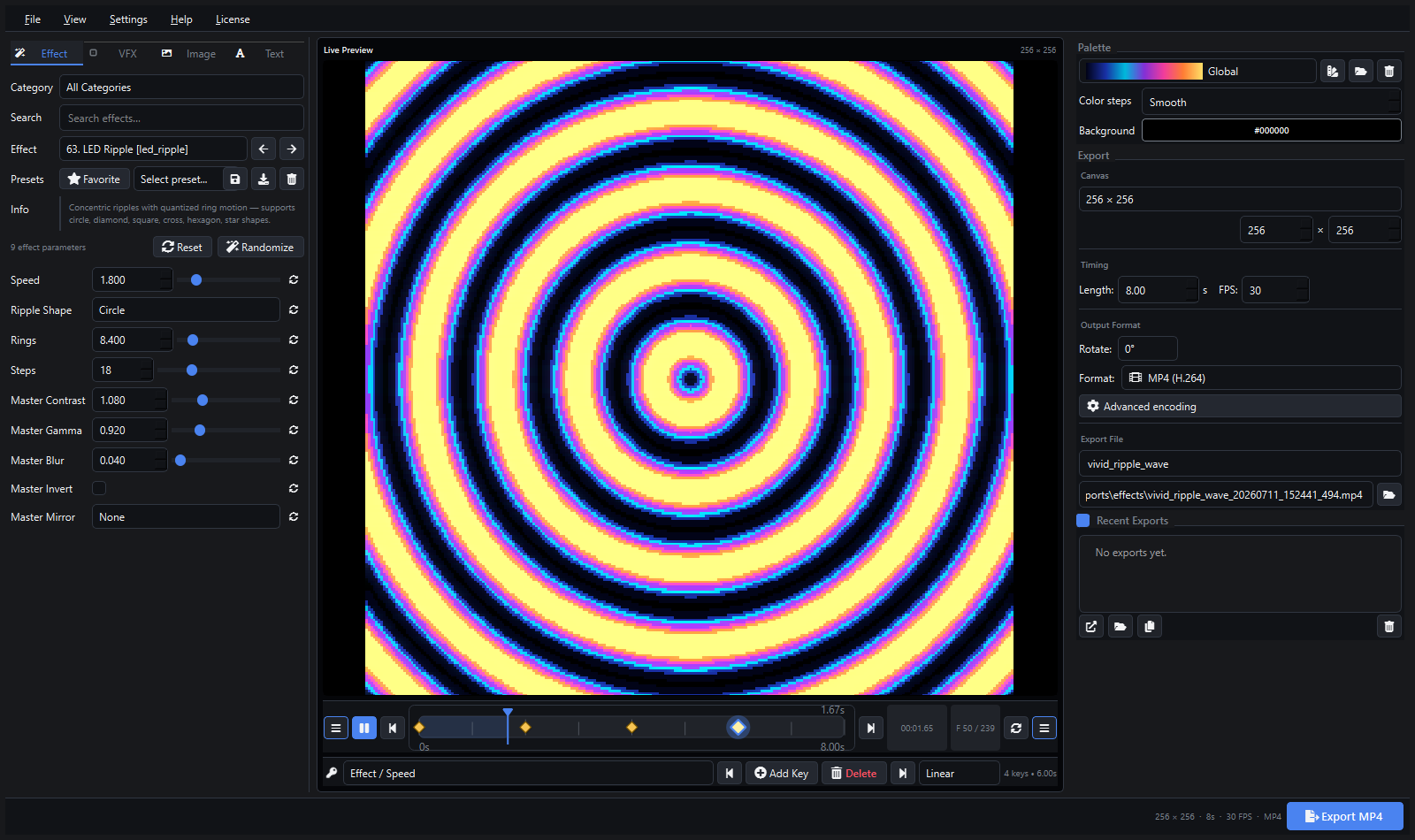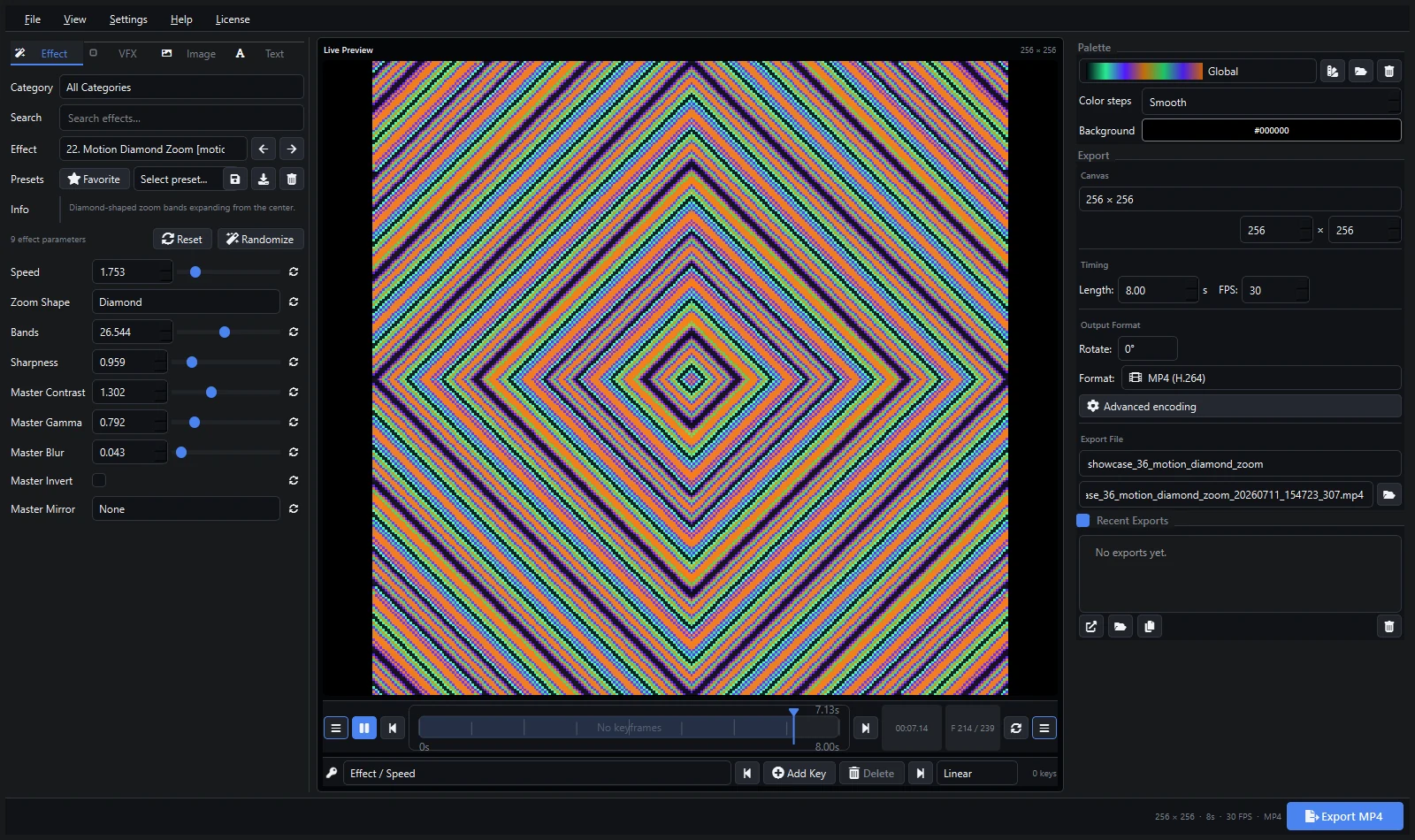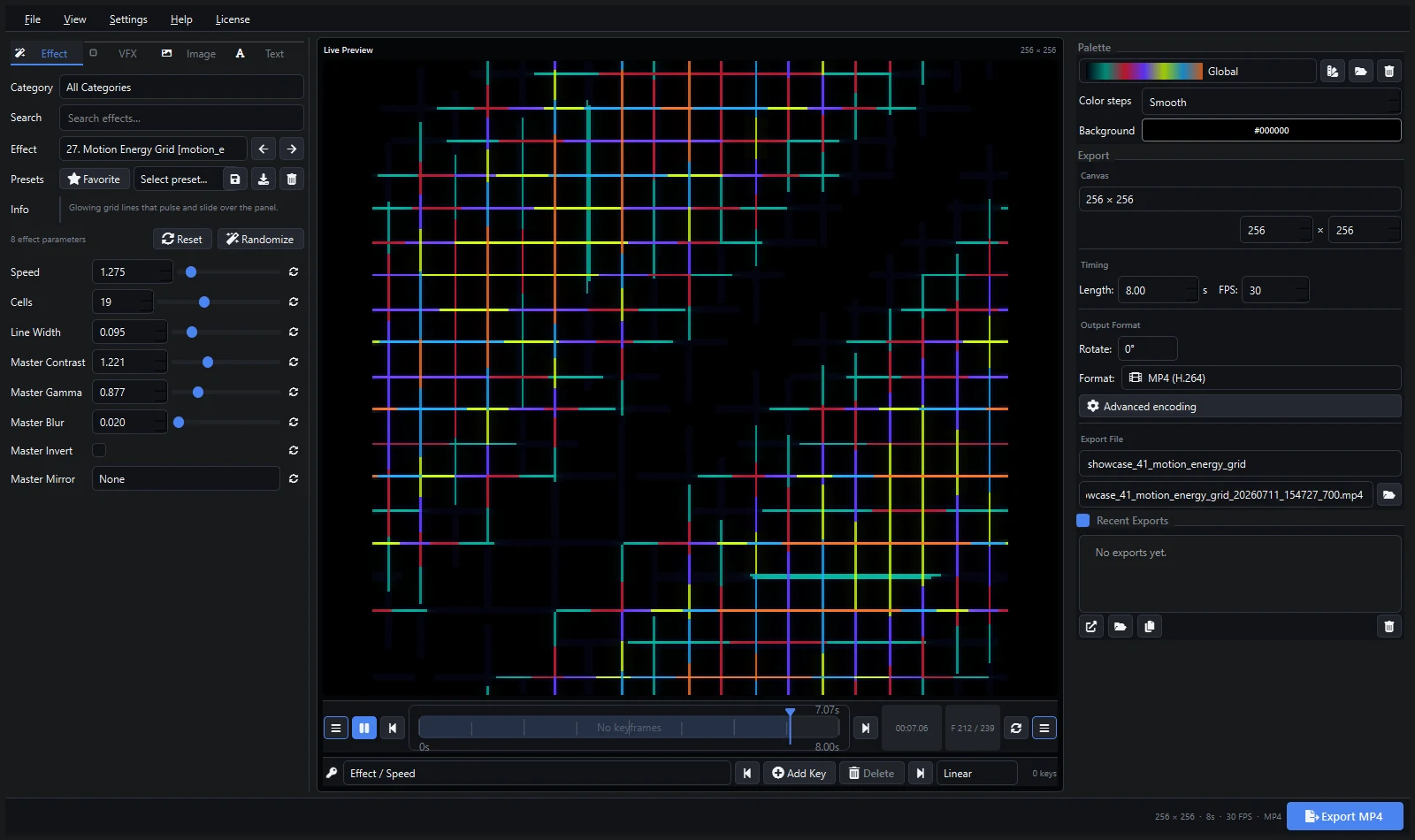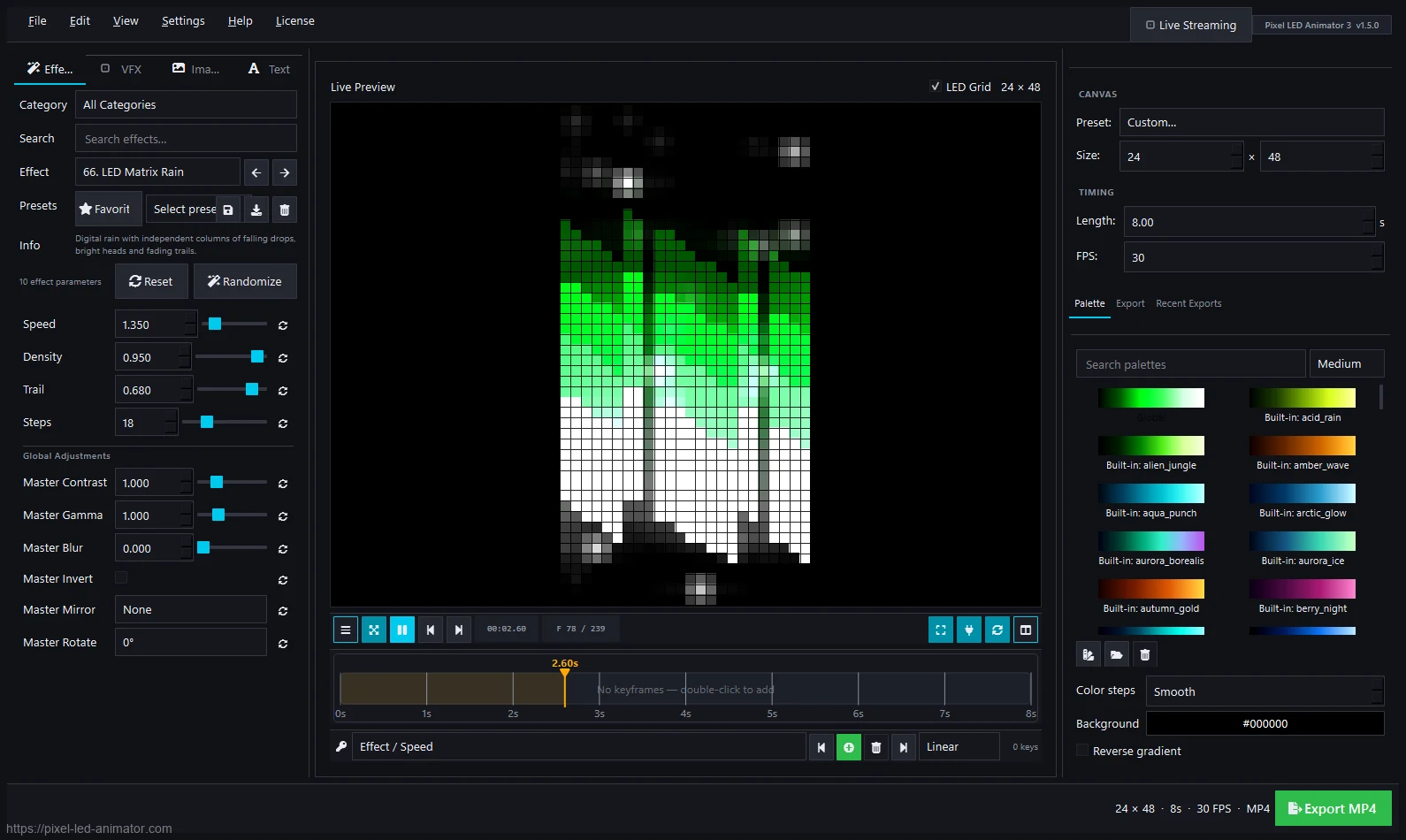
Jinx! is a free LED matrix control software: it drives real LED panels, maps output to fixtures, and plays effects live. Pixel LED Animator is a paid editor that creates the effects. Jinx! users are actually one of the biggest audiences for generated content — which is why this comparison matters.
Short Answer
- Choose Jinx! (free) if you need to drive a physical LED matrix live from a computer.
- Choose Pixel LED Animator 3 (€79 + VAT) if you need a library of original animated effects to play — in Jinx!, LEDEdit, Resolume, or anywhere else.
- Use both: render AVI effects in Pixel LED Animator and play them in Jinx!. The Jinx! usage guide walks through it.
Comparison
| Pixel LED Animator 3 | Jinx! | |
|---|---|---|
| Price | €79 + VAT, one-time | Free |
| Core job | Create animated effects | Drive LED matrices live |
| Effect library | 145 generators + keyframes + VFX | Built-in live effects |
| AVI/video export | Yes — made for this | Plays video/AVI content |
| Matrix output | ArtNet/sACN streaming | Direct matrix output + mapping |
| Still developed | Yes, actively (version 3) | Community/legacy status — check the project page |
| Learning curve | Hours | Hours |
| Best for | Content creation | Live matrix playback |
Where Jinx! Wins
Driving a matrix is Jinx!’s whole job: output mapping, live control, and free playback. If you already have effects and just need them on the wall, Jinx! costs nothing and does the job.
Where Pixel LED Animator Wins
Original content. Jinx!’s built-in effects are what everyone has seen a hundred times. A generator with 145 effects, palettes, keyframes, and overlays produces fresh material in minutes — branded colors, typography, seasonal themes — that no one else is playing.
Using Them Together
- Create and keyframe the effect in Pixel LED Animator 3.
- Export AVI at your matrix resolution.
- Load the file in Jinx! and map it to your output.
- Perform live with Jinx!’s controls over your custom content.
FAQ
Is Jinx! dead? Jinx! is a mature community project rather than an actively marketed product. It still works for matrix playback, but don’t expect new features. Check the official project page for the latest status.
Can Pixel LED Animator output directly to my matrix? It streams live via ArtNet, sACN, and WLED protocols. For Jinx!-style matrix mapping workflows, the AVI export route is the most reliable.
I only have a small matrix. Which first? Jinx! (free) to get pixels lighting up, then Pixel LED Animator when you want better content than the built-ins.
Explore Pixel LED Animator 3 · Read the Jinx! AVI effects guide · Buy Pixel LED Animator 3