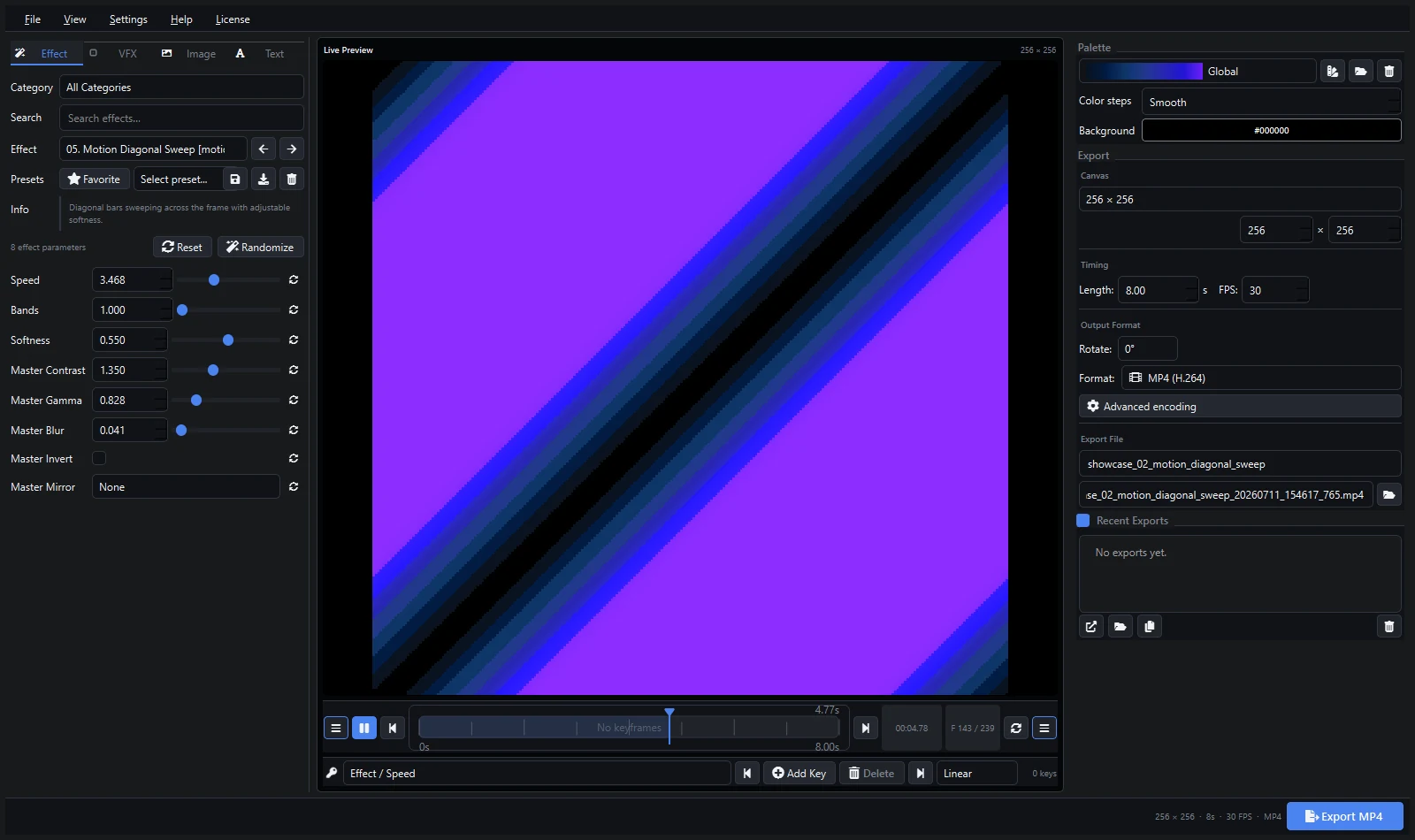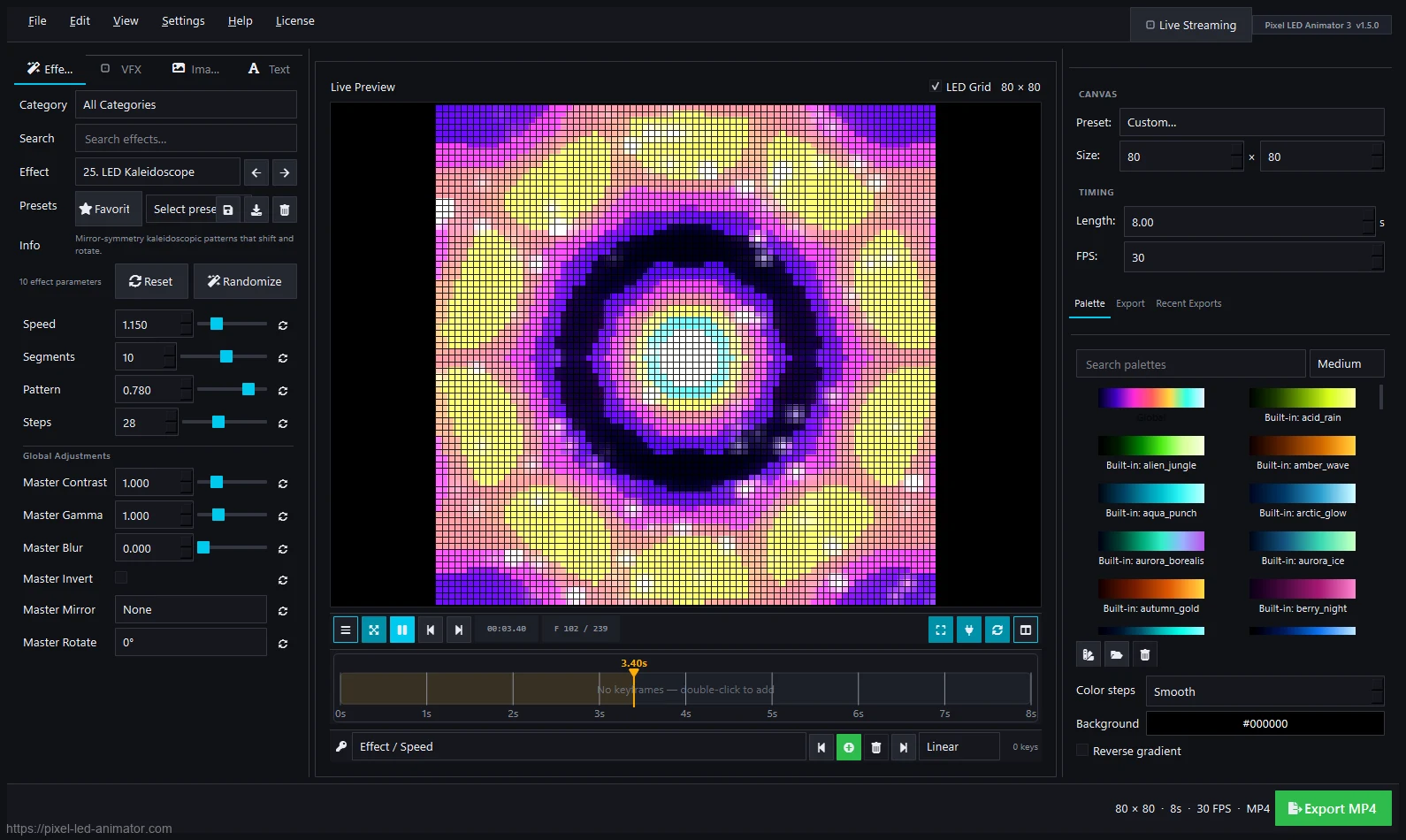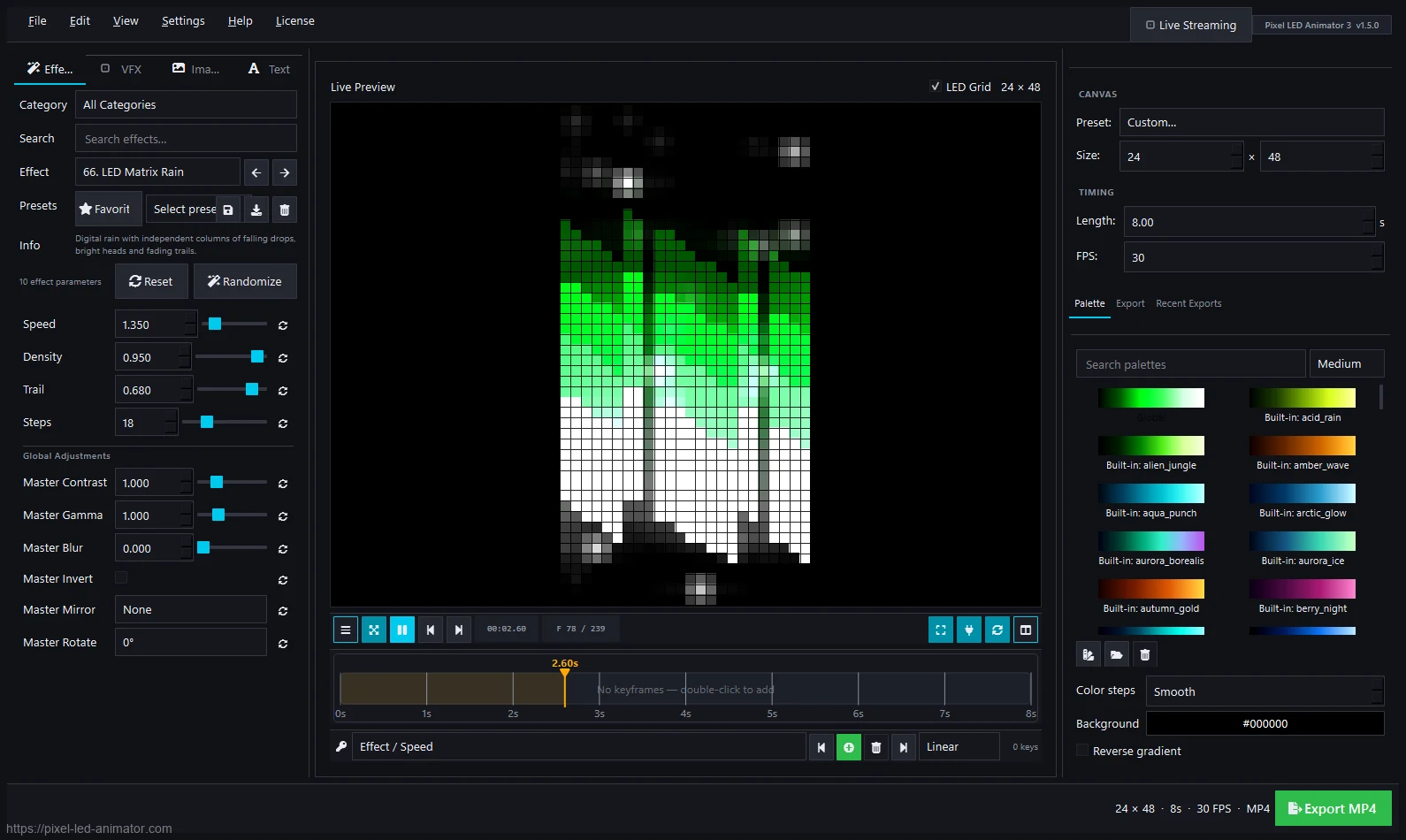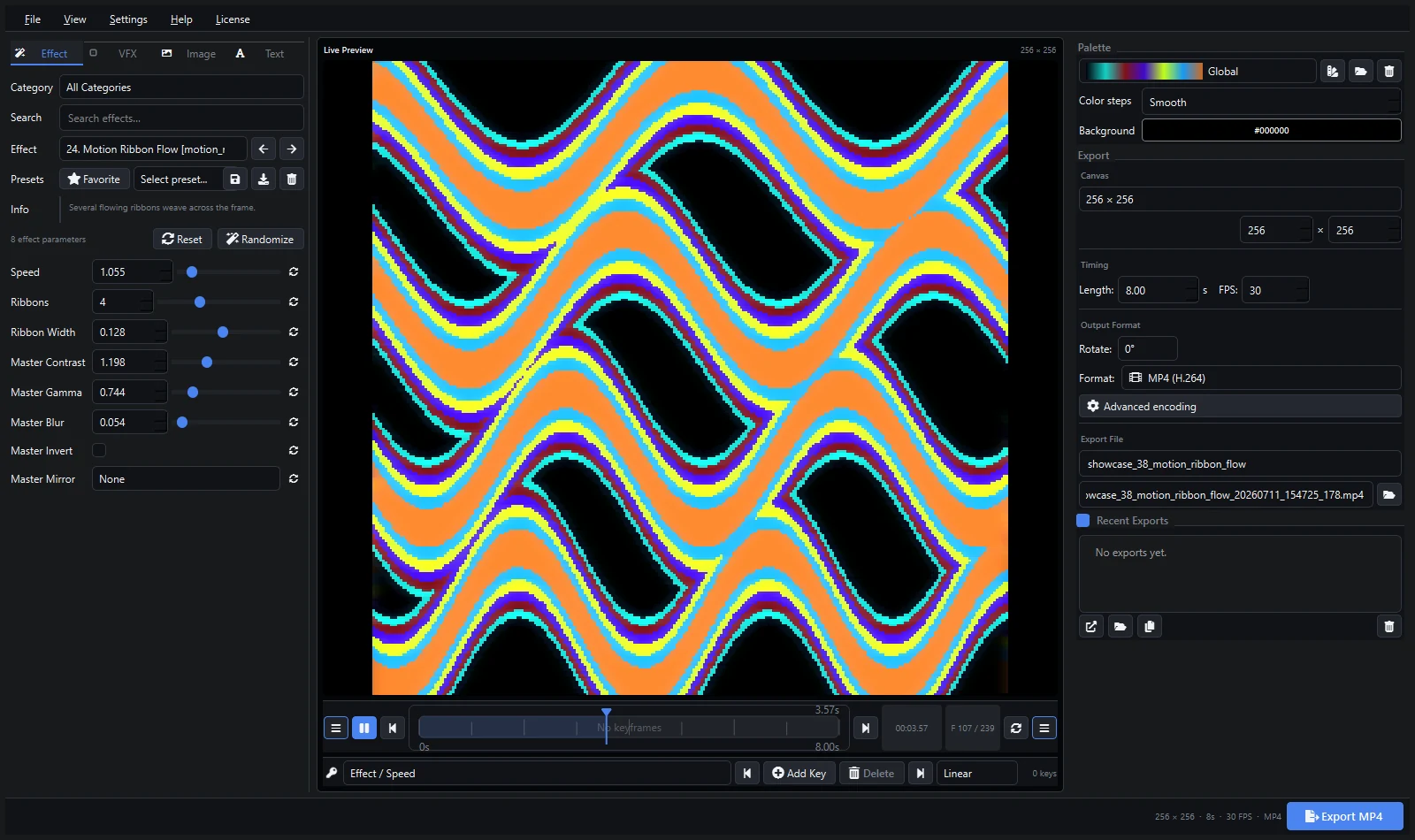
This is a hands-on review after thirty days of daily use: generating effects for LEDEdit controllers, exporting clips for Resolume sets, and testing XDAT, FSEQ, and ArtNet output. No sponsored claims — just what the software does, where it shines, and where it falls short.
What It Is
A Windows desktop editor (€79 + VAT, lifetime license) for designing pixel LED animations: 145 effect generators, keyframes, palettes, VFX, image/text overlays, and export to video, image sequences, XDAT, and FSEQ — plus live ArtNet/sACN/WLED streaming. Full specs are on the pricing breakdown.
What Worked Well
Speed. Picking a generator and tuning it into a finished loop takes minutes. The matrix rain, plasma, and fire effects needed almost no adjustment to look professional. Compared to drawing frames by hand in a sequencer, the time savings are enormous.
Live preview. Every slider move shows instantly on the canvas. Keyframes with easing behave exactly as expected — no render-then-check cycle.
Export breadth. MP4, AVI, MOV, ProRes, DXV, HAP, GIF, PNG/TIFF sequences, XDAT, and FSEQ all worked in testing. The XDAT files loaded in a compatible LEDEdit workflow without issues, and FSEQ opened in xLights tooling.
Palettes. The multi-stop gradient editor with RGB/HSV editing is genuinely good — fast to build brand color schemes and see them applied live.
Stability. No crashes in thirty days of regular sessions on Windows 11, including long batch renders.
What Could Be Better
Windows only. No macOS or Linux version. If your studio is Mac-based, this is a dealbreaker — check the system requirements before buying.
One active PC. The license covers a single active machine. Movers and multi-rig operators should read the license terms first.
No built-in show control. It creates content; it doesn’t patch fixtures or run DMX universes like MADRIX. Pair it with a player (comparison here).
Learning the export matrix takes an evening. With 24 profiles, beginners should start with the export formats guide rather than guessing codecs.
Who Should Buy It
- LEDEdit / T-1000S / K-1000C users who need original content
- VJs and installers who want custom loops fast
- xLights users who want generated FSEQ material
- Anyone currently reusing the same free effect packs as everyone else
Who Shouldn’t
- Mac-only studios (no macOS build)
- Operators who only need live DMX control (look at MADRIX)
- Hobbyists with an 8x8 matrix who are happy with free tools (try Glediator or Jinx! first — comparison)
Verdict
Pixel LED Animator 3 does one job — generating pixel LED content — and does it fast, with honest one-time pricing. The export breadth is its standout trait: whatever controller or software you run, there is a format for it. The Windows-only and single-PC limits are the real constraints; everything else is a matter of learning the tool.
Rating: recommended for content creators on Windows.
See the pricing breakdown · Read the version 3 tutorial · Buy Pixel LED Animator 3