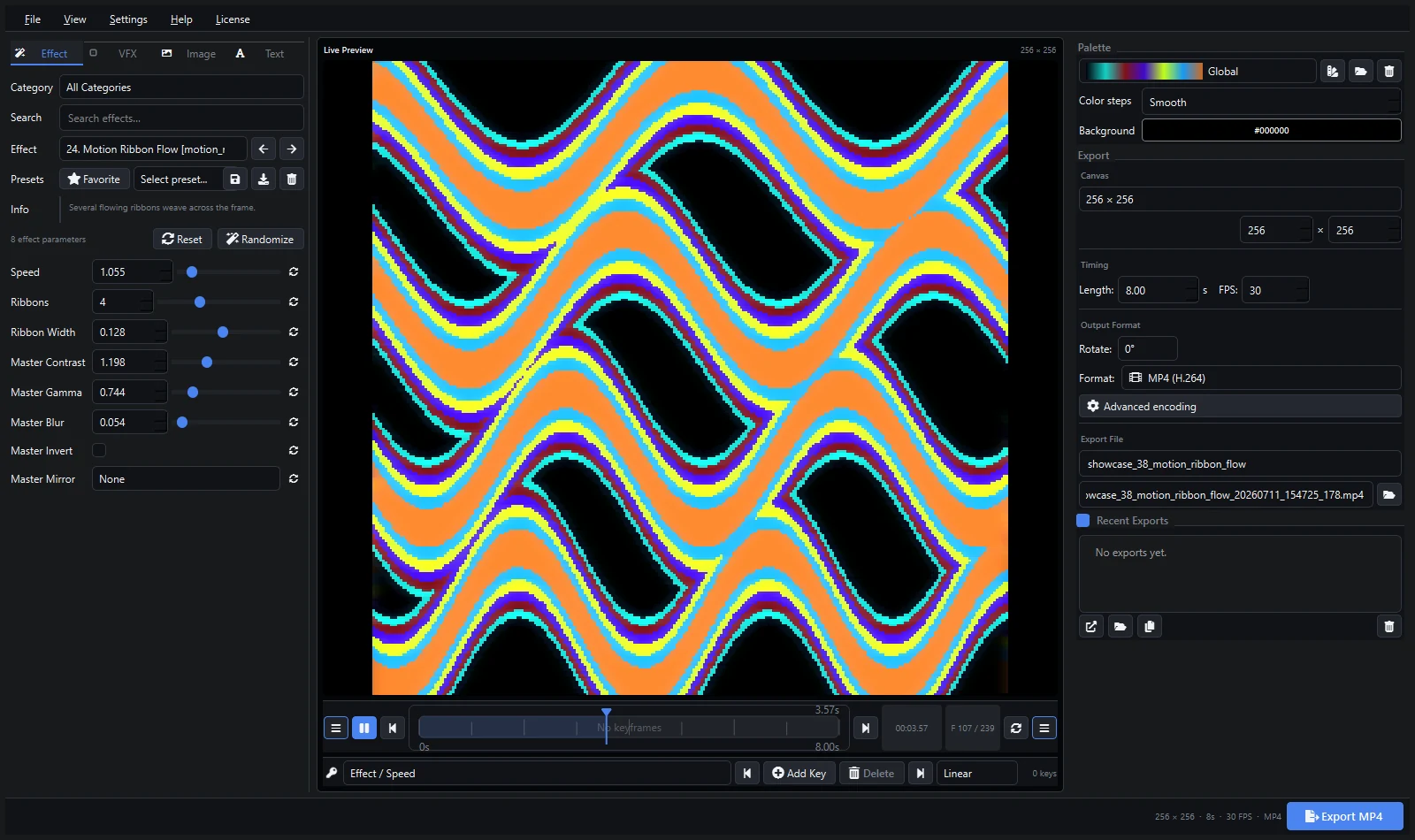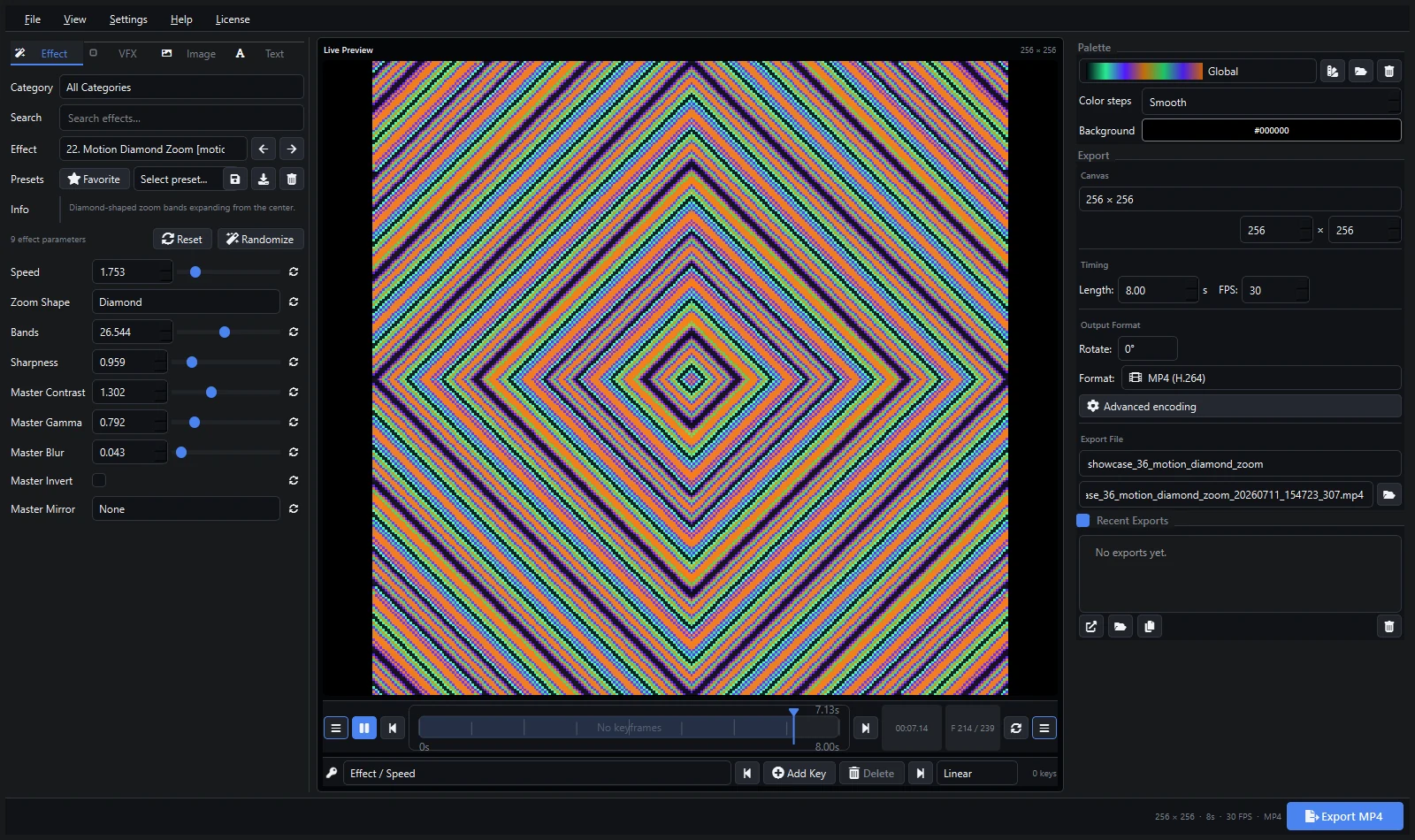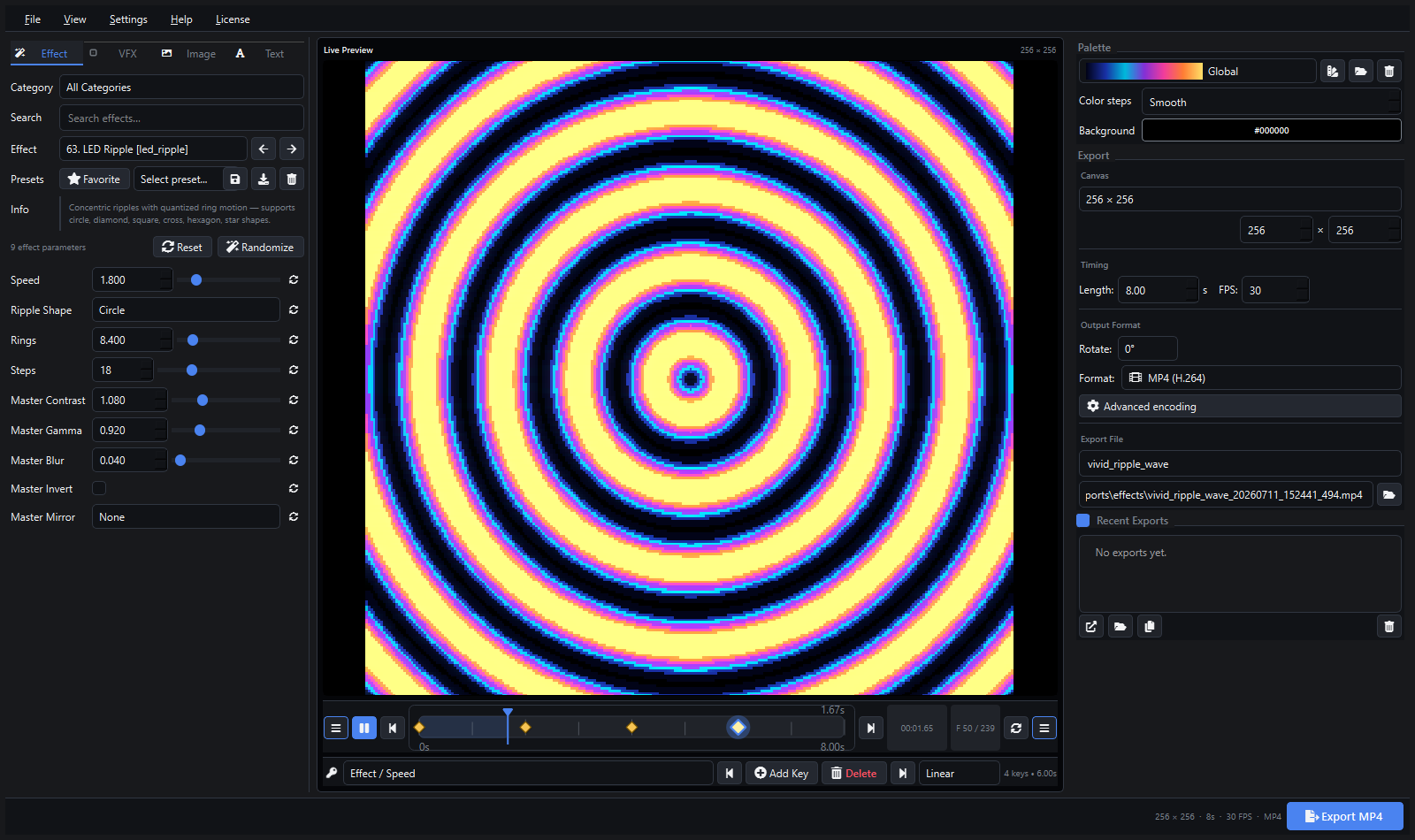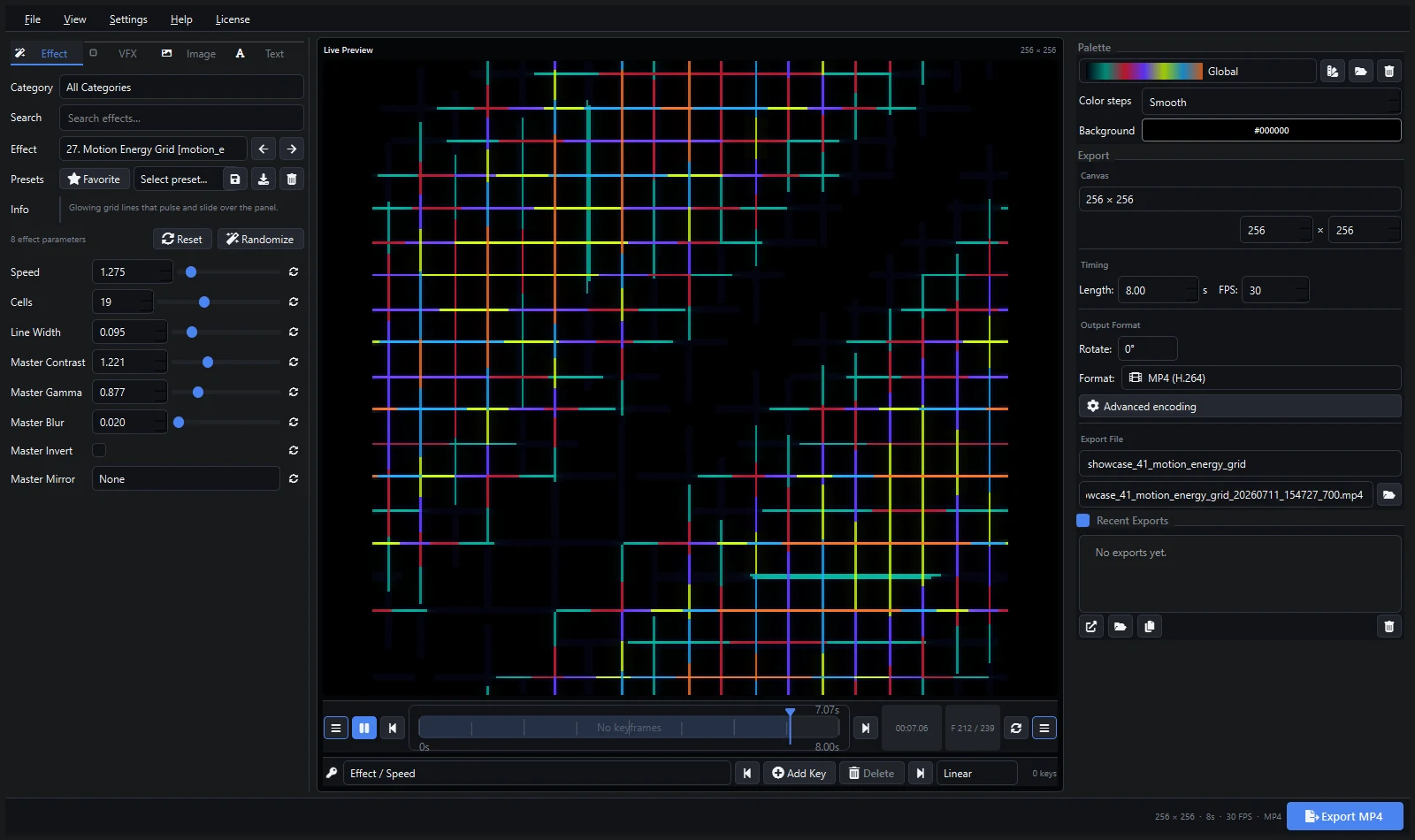
MADRIX includes many real-time effects, but rendered clips are useful when you need a specific branded look, a repeatable animation, typography, or motion designed before show day. Pixel LED Animator 3 can create that source material with generators, palettes, keyframes, image and text overlays, and VFX.
MADRIX 5 provides the SCE Video effect for loading a video file and displaying it on LEDs. The effect includes position, playback rate, dynamic range, rotation, tiling, seamless playback, aspect-ratio, slicing, and color controls.
Design for the Virtual Matrix
Use the same aspect ratio as the MADRIX patch or the specific effect area that will display the clip. Exact native dimensions are ideal for pixel-level artwork; a larger source with the same ratio can be useful when the content is also needed elsewhere.
Keep thin lines and text large enough to survive the matrix resolution. Preview at 100% and test low-brightness colors, because near-black details may disappear on fixtures.
Export a Clean Master
Set duration and FPS deliberately, disable unnecessary audio, and export MP4, AVI, or MOV according to the codecs available on the MADRIX computer. Test a short file before rendering a full library. MADRIX can use Media Foundation or DirectShow decoding, and codec behavior can affect playback features.
Load the Clip with SCE Video
- Select an empty Storage Place.
- Choose SCE Video as the effect.
- Use the folder control to select the exported file.
- Set the aspect ratio to Matrix when the source should fill the patched matrix.
- Enable seamless playback for a continuous loop.
- Adjust playback rate, position, rotation, filter, brightness, and contrast as needed.
The official MADRIX 5 SCE Video documentation explains the available controls and decoder options.
Keep Media Paths Stable
A MADRIX setup stores the file location but does not embed the video itself. Keep show media in a deliberate folder and copy that folder when moving the setup to another computer. Changing or deleting the source file can break playback.
Troubleshooting
- Video does not load: test the file in Windows and try the alternate MADRIX decoder.
- Image is stretched: compare the source ratio, effect-area ratio, and SCE Video aspect setting.
- Loop jumps: inspect the first and last rendered frames and remove duplicated boundary frames.
- Black is gray: adjust Dynamic Range and the Pixel LED Animator palette.
- Playback is heavy: reduce source dimensions or use a more suitable installed codec.
Use Pixel LED Animator presets to preserve the source design. If the patch changes later, rerendering at a new ratio is cleaner than repeatedly stretching the old clip.
Explore Pixel LED Animator 3 · Read the version 3 tutorial · Buy Pixel LED Animator 3