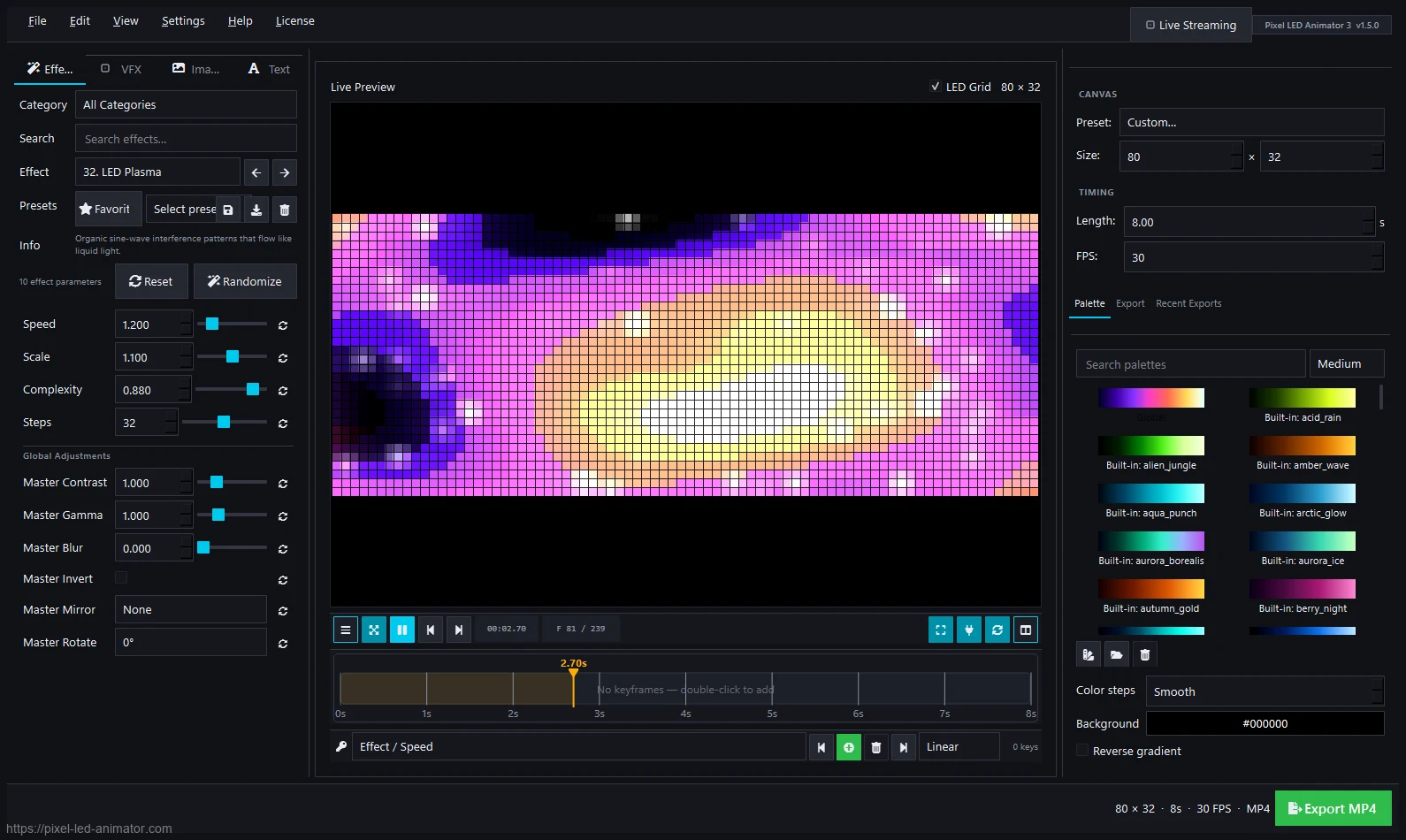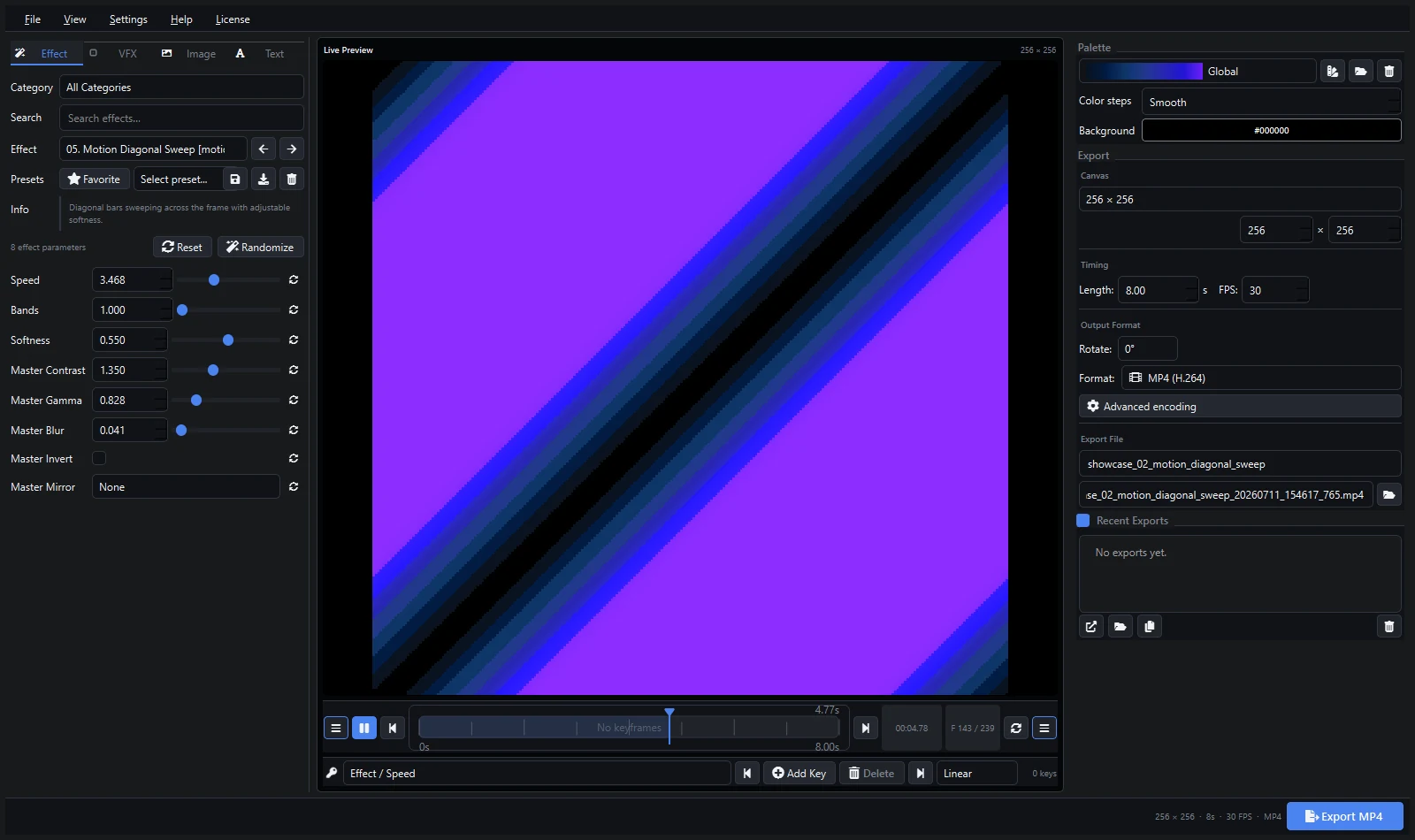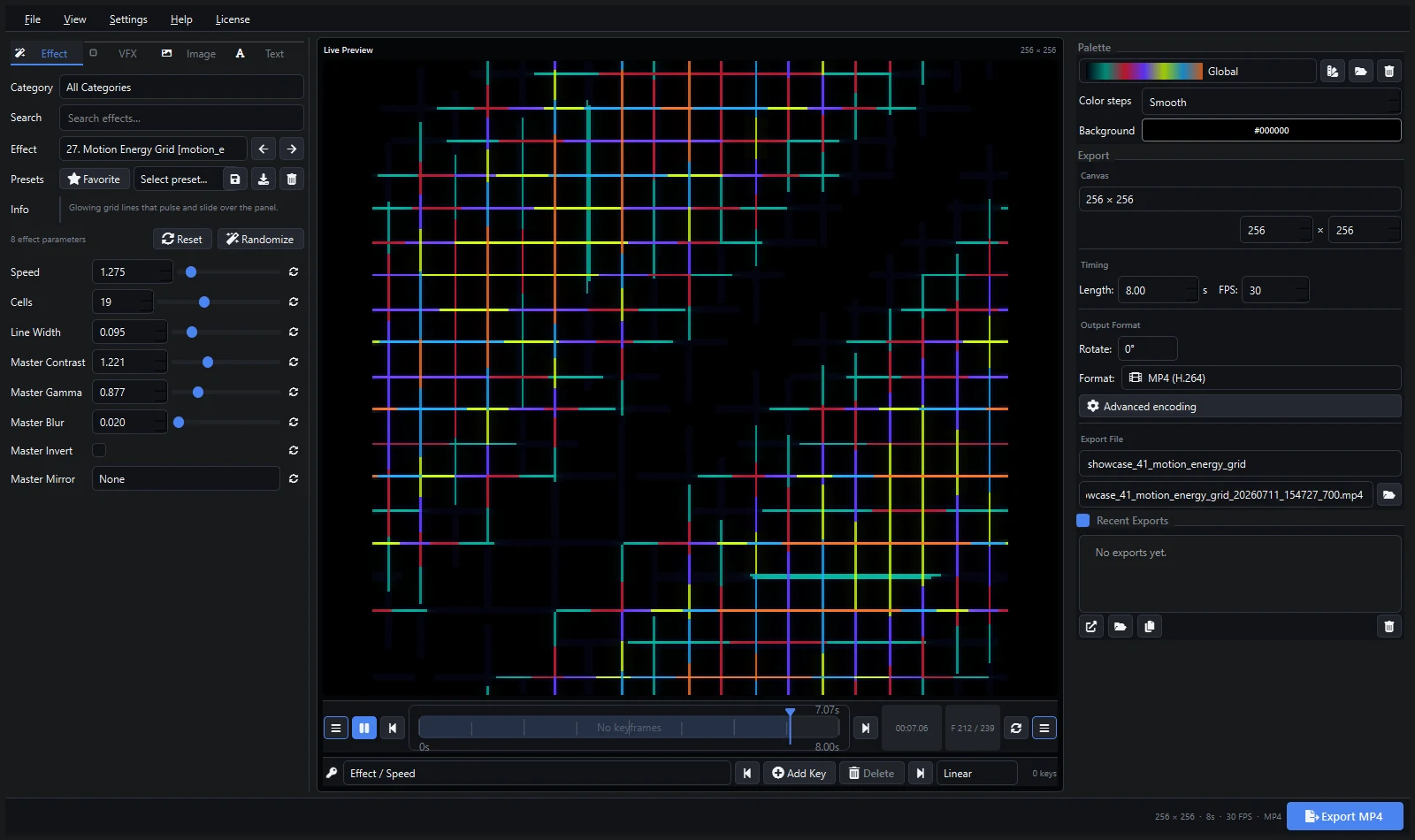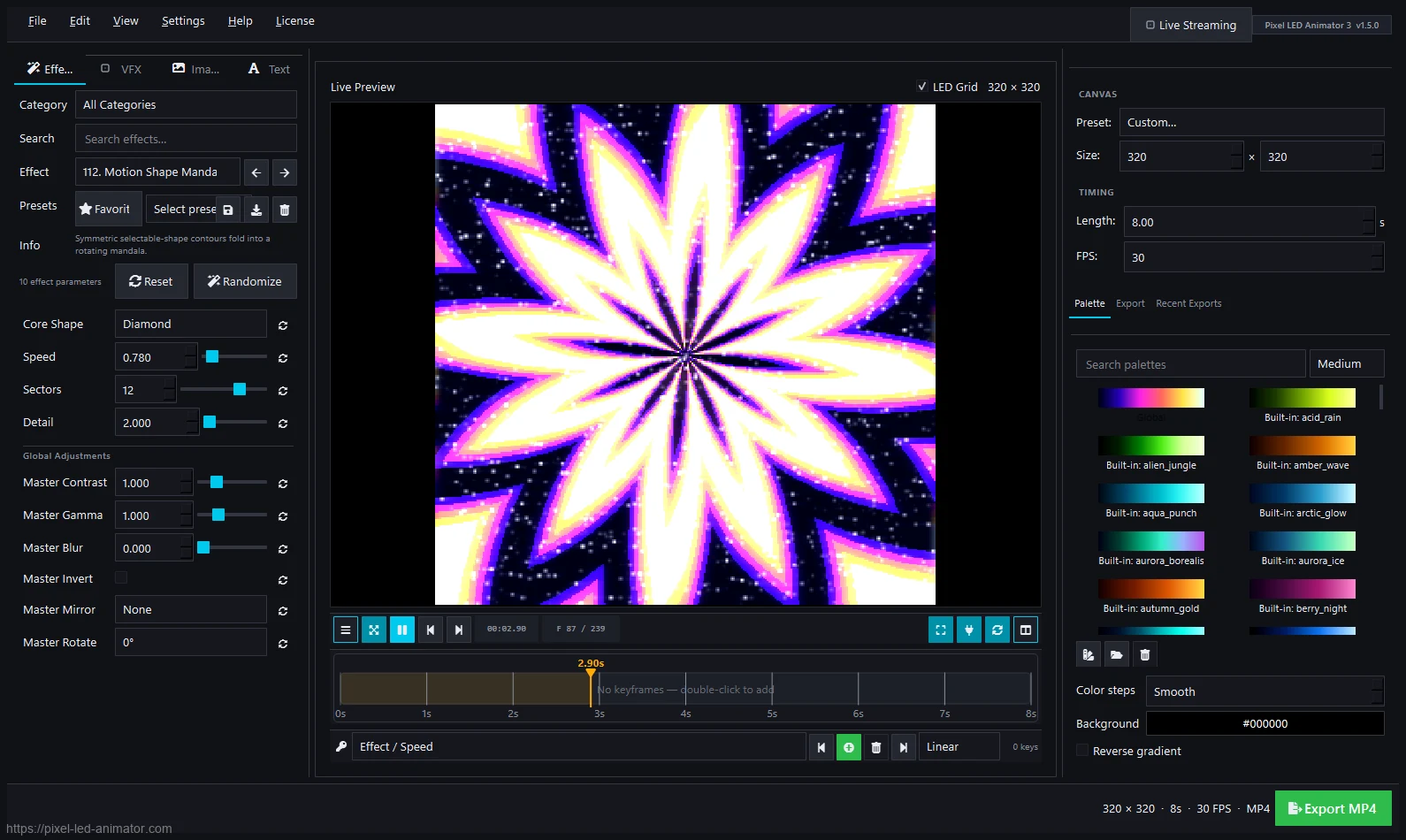
An LED pixel effect generator is software that creates animations for pixel LED displays — matrix rain, plasma, fire, waves, geometric patterns — from adjustable parameters instead of hand-drawn frames. You pick an effect, tune its look, and export a file your controller can play.
How a Generator Works
- Choose a generator — e.g. matrix rain, plasma, fire, kaleidoscope, boids, Voronoi.
- Tune parameters — speed, density, scale, shape, direction.
- Design colors — palettes, gradients, RGB/HSV editing.
- Animate over time — keyframes with easing so the look evolves.
- Add finishing — VFX (bloom, sparkles, scanlines), image/text overlays.
- Export — video (MP4, AVI, MOV), GIF, image sequences, XDAT, or FSEQ.
The whole cycle takes minutes. Drawing the same animation by hand takes hours.
What to Look for in a Generator
- Effect count and variety — Pixel LED Animator 3 ships 145 generators across motion, wave, shape, and LED-style packs.
- Live preview — you must see changes instantly, not after rendering.
- Keyframes — static effects get boring; animation over time is what sells the show.
- Export formats — SWF/AVI for LEDEdit, video for Resolume/MADRIX, FSEQ for xLights, XDAT for modern LEDEdit workflows.
- Live output — ArtNet, sACN, and WLED streaming for direct controller playback.
Generator vs Sequencer vs Player
| Tool type | Example | Job |
|---|---|---|
| Generator | Pixel LED Animator 3 | Create original animations |
| Sequencer | xLights | Time lights to music |
| Player | Jinx!, LEDEdit | Play content on hardware |
| Show control | MADRIX, Resolume | Run live shows |
Most setups combine a generator with one of the others. See the full software comparison.
Try It: Your First Generated Effect
- Open Pixel LED Animator 3 and pick the matrix rain generator.
- Set canvas to your matrix size (e.g. 32 × 64).
- Choose a palette — cyan-green for classic Matrix, amber for warm installs.
- Add a keyframe at 5 seconds that doubles the fall speed.
- Export MP4 and play it on any screen. Done — your first generated loop.
The complete tutorial walks through the full workflow with screenshots.
FAQ
Is a generator better than downloading effects? Downloads are finite and everyone uses the same packs. A generator makes unlimited original content in your colors and resolutions.
Do I need programming skills? No. Generators are visual tools — sliders, palettes, previews. No code involved.
What does it cost? Pixel LED Animator 3 costs €79 + VAT once, lifetime license. See the pricing breakdown.
Explore Pixel LED Animator 3 · Read the version 3 tutorial · Buy Pixel LED Animator 3