No single program does everything in pixel LED work. The right tool depends on whether you create animations, sequence shows, or control lights live. Here are the seven tools that matter in 2026, honestly compared.
Quick Ranking
| # | Software | Price | Best for |
|---|---|---|---|
| 1 | Pixel LED Animator 3 | €79 + VAT once | Creating animated effects fast |
| 2 | xLights | Free | Sequencing shows to music |
| 3 | MADRIX 5 | Professional licensing | Live DMX show control |
| 4 | Resolume | Paid VJ software | Live video performance |
| 5 | Jinx! | Free | Driving LED matrices live |
| 6 | LEDEdit | Free with controllers | Programming T-1000S/K-1000C |
| 7 | Glediator | Free | Tiny hobby matrices |
1. Pixel LED Animator 3 — Best for Creating Effects
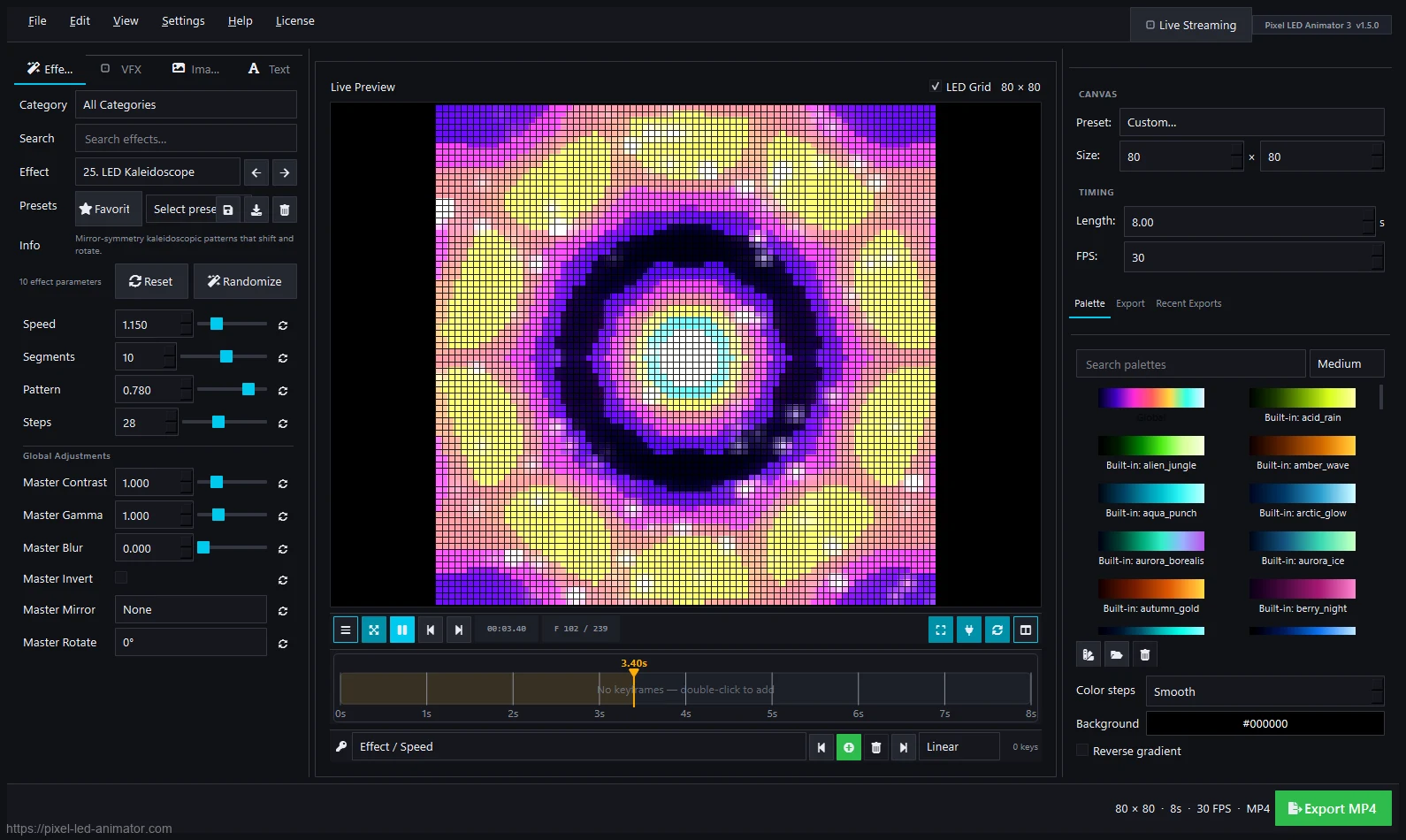
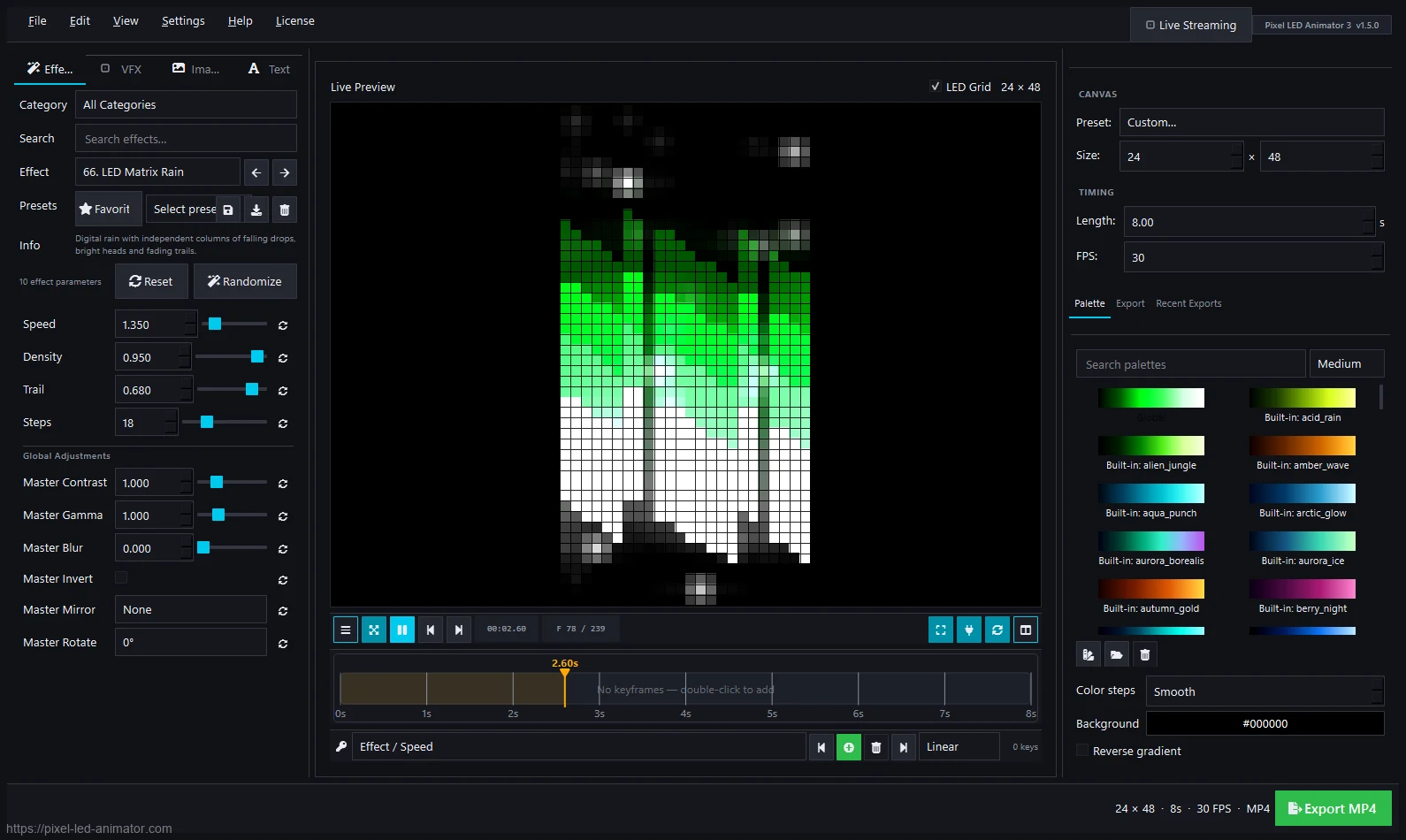
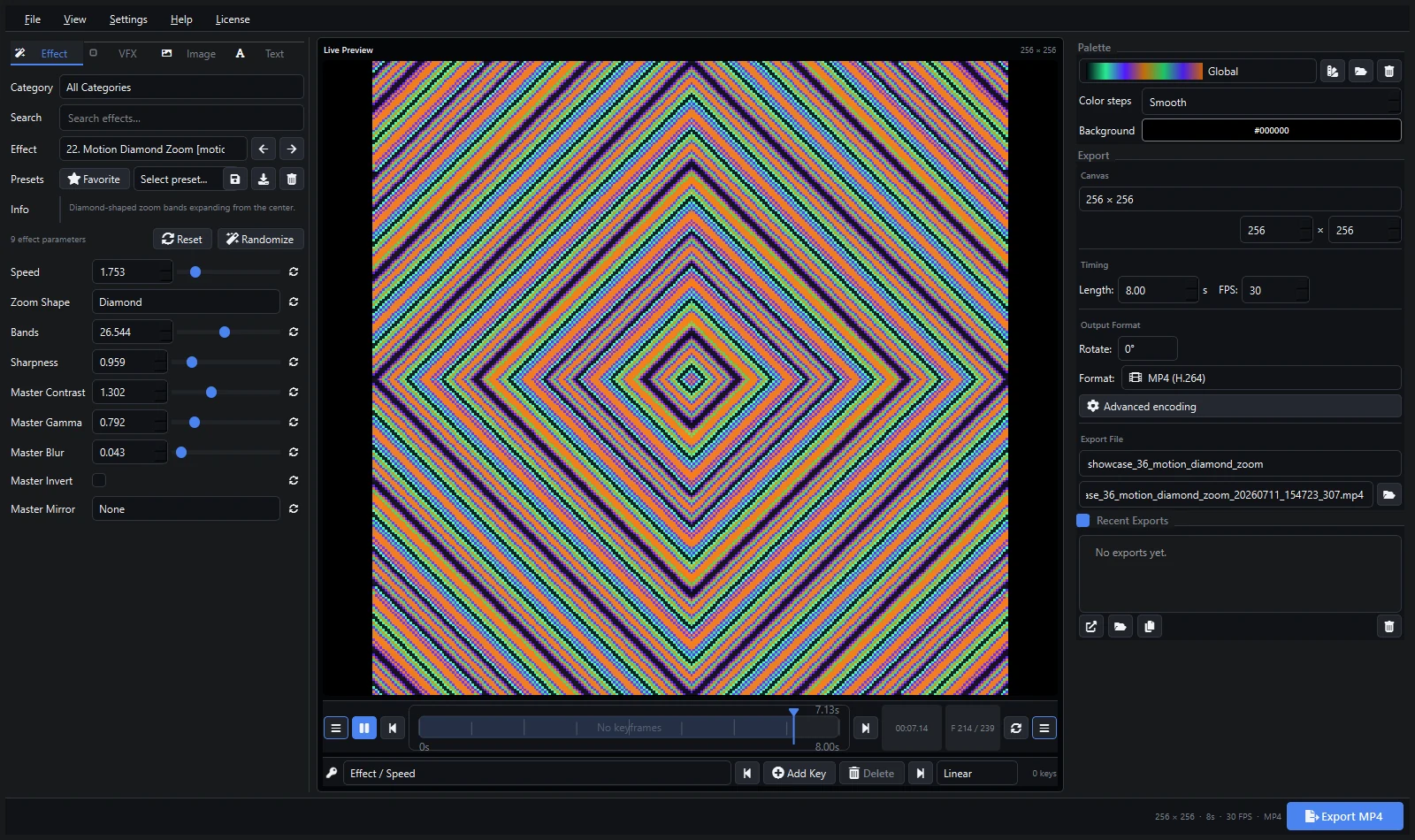
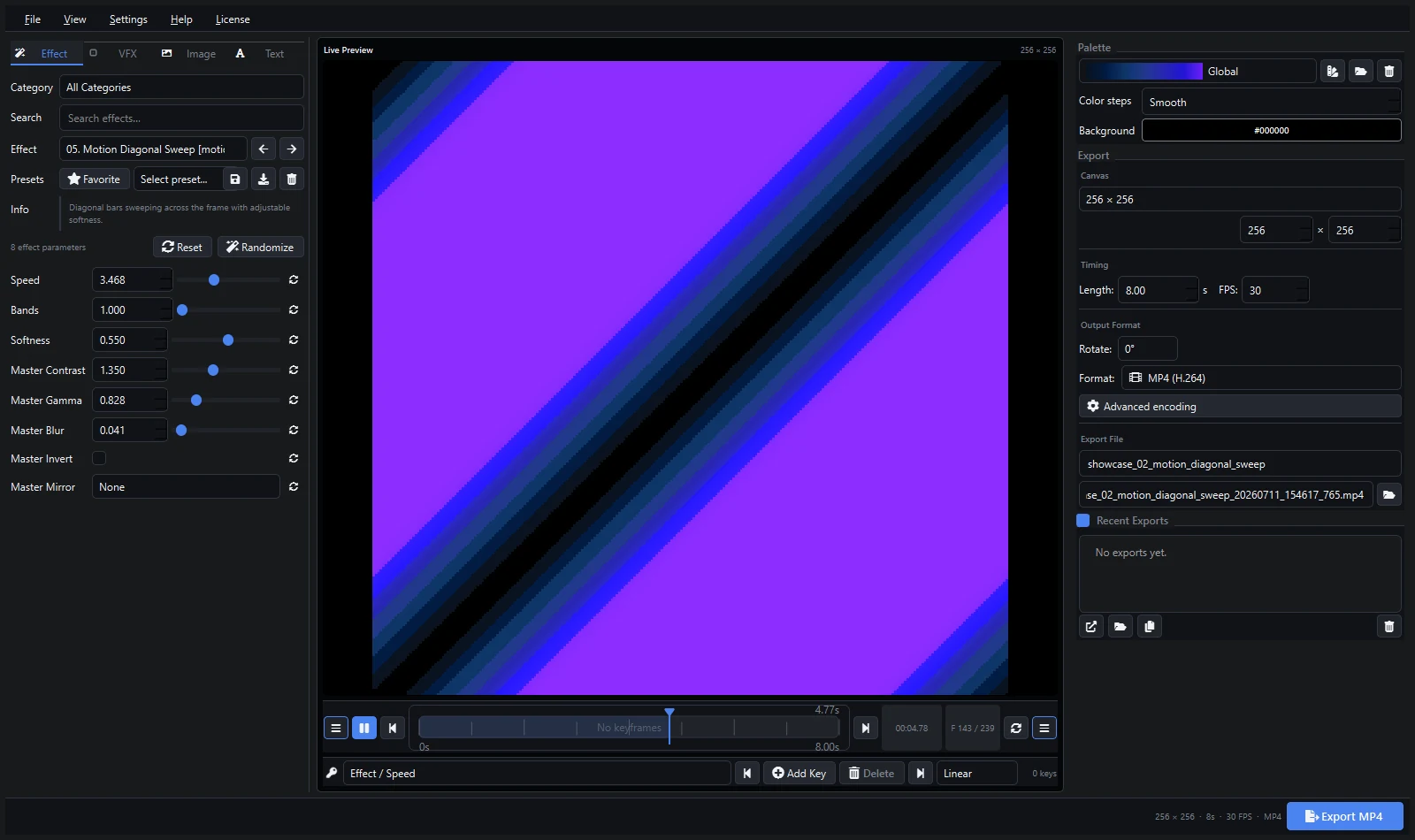
145 GPU-accelerated generators, keyframes, palettes, VFX, image/text overlays, and export to video, XDAT, FSEQ, plus live ArtNet/sACN streaming. The fastest path from idea to finished animation. Full comparison vs MADRIX · vs xLights · vs Jinx! · vs Glediator
2. xLights — Best Free Sequencer
The standard for Christmas and event sequencing with Falcon controllers. Deep, free, huge community. Pair it with generated content via FSEQ export.
3. MADRIX 5 — Best Live DMX Control
Professional show control with universe management and live mixing. The price reflects the control room, not the bedroom studio. Feed it custom clips via SCE Video.
4. Resolume — Best Live Video Performance
The VJ standard for clubs and stages. Generate loops externally and perform them live. See creating Resolume loops.
5. Jinx! — Best Free Matrix Player
Free, simple live matrix output. Limited built-in content — which is exactly the gap an effects generator fills.
6. LEDEdit — Best for Its Own Controllers
Required software for T-1000S, K-1000C and similar controllers. Not a creative tool by itself — pair it with generated SWF/AVI/XDAT content. See the LEDEdit XDAT workflow.
7. Glediator — Best Tiny Classic
Free Java classic for small hobby matrices. Charming, frozen in time, outgrown by anything larger.
How to Choose in 30 Seconds
- Making content? Pixel LED Animator 3.
- Sequencing a music show? xLights.
- Running a venue live? MADRIX 5 (DMX) or Resolume (video).
- Driving a matrix for free? Jinx!.
- Programming a T-1000S? LEDEdit + generated content.
- 8x8 hobby fun? Glediator.
Most real setups combine two: a creator plus a player.
FAQ
What is the cheapest good setup? Jinx! (free player) + generated free effects, or xLights (free) for sequenced shows. Add Pixel LED Animator when you want original content fast.
What is the best professional setup? Pixel LED Animator for content, MADRIX or Resolume for show control, depending on DMX vs video workflow.
Do I need all seven? No. Pick one creator and one player/sequencer for your controller type.
Explore Pixel LED Animator 3 · Read the version 3 tutorial · Buy Pixel LED Animator 3